WhatsApp Business Account Banned: Appeal

If your WhatsApp business account suddenly stops sending messages and you need to appeal a ban, the fastest path is to identify whether the restriction is temporary or permanent, stop any activity that may be triggering enforcement, and submit one clear review request through WhatsApp’s official channels.
Key Takeaways
- Check the exact ban message before taking action; a temporary restriction and a disabled account require different responses.
- Remove unofficial apps, bulk-messaging tools, browser extensions, and automation before submitting an appeal.
- Use the Request a review option in WhatsApp Business, and explain your legitimate business activity briefly and accurately.
- Don’t send repeated appeals, create replacement accounts, or change phone numbers while a review is pending.
- Save evidence such as invoices, opt-in records, website details, and screenshots in case WhatsApp asks for clarification.
- If the ban is permanent and upheld, move customer communication to an approved replacement number only after fixing the underlying compliance problem.
Identify Why Your WhatsApp Business Account Was Banned
WhatsApp may restrict an account temporarily, disable it, or prevent a phone number from registering. The wording shown in the app is important because it often indicates whether you have a review option. WhatsApp's current ban notice reads "This phone number can't use WhatsApp", and older app versions use the other wording listed below. If no Request review button appears, WhatsApp says the ban is final.
Common messages include:
- “This account isn’t allowed to use WhatsApp.”
- “Your account is temporarily banned.”
- “We need to verify your phone number.”
- “This account can no longer use WhatsApp.”
- “You’re using an unofficial version of WhatsApp.”
- “Your account is restricted from messaging.”
A temporary restriction may expire after a displayed countdown. A disabled account generally requires a review request. A registration problem may relate to verification, a recycled phone number, or an issue with the device rather than business conduct.
| Message or symptom | Likely category | First response |
|---|---|---|
| Countdown timer appears | Temporary restriction | Stop messaging and wait for the timer |
| “Not allowed to use WhatsApp” | Account disablement | Submit an in-app review |
| Unofficial-app warning | Unsupported software | Install the official WhatsApp Business app |
| Verification code never arrives | Registration issue | Check number format, SIM access, and call verification |
| Messages show one check mark indefinitely | Delivery or recipient issue | Test with a known contact before assuming a ban |
| WhatsApp Business works on one device only | Device or session issue | Log out linked devices and update the app |
Don’t assume every failure is a ban. A poor internet connection, expired SIM, blocked contact, phone storage problem, or service outage can look similar. Confirm that the account is actually restricted before appealing.
Common Causes of Business Bans
WhatsApp evaluates behavior, reports, account signals, and possibly business information. The company doesn’t publish a complete detection formula, so nobody can guarantee which individual action caused a particular ban. However, several patterns repeatedly create risk.
Unsolicited marketing
Sending promotional messages to people who didn’t clearly ask to hear from your business is one of the most serious risks. Buying a contact list, scraping numbers from websites, or adding people from a public directory doesn’t create valid permission.
Risky examples include:
- “You won a prize” messages sent to purchased numbers
- Real estate promotions sent without a prior inquiry
- Cryptocurrency or investment pitches
- Repeated discount messages to former customers who opted out
- Recruitment campaigns sent to scraped phone numbers
- Appointment reminders for people who never requested an appointment
Customer consent should be specific, understandable, and connected to the type of message you send. A customer who agrees to receive an order update hasn’t necessarily agreed to receive weekly promotions.
High complaint rates
Recipients can block or report a business. A cluster of blocks, spam reports, or negative feedback can make the account appear abusive even if the sender believes the messages are useful.
Review whether your message content:
- Clearly identifies your business
- Explains why the recipient is receiving it
- Provides a simple opt-out method
- Avoids misleading urgency
- Matches the expectation created when the person subscribed
Automation and unofficial tools
Modified apps, bulk senders, contact scrapers, message spinners, and unofficial browser tools can trigger enforcement. The same applies to scripts that imitate human activity or send messages through unauthorized interfaces.
Examples of risky software include:
- Modified WhatsApp clients
- Unapproved WhatsApp Web automation extensions
- Bulk-message desktop programs
- Number-checking or scraping utilities
- Bots connected through unofficial APIs
- Multiple-account tools that evade normal limits
Unofficial software should be removed before you appeal. Don’t merely disable it temporarily if it remains installed or connected to your account.
Misleading business identity
A profile that uses a false company name, impersonates a brand, or presents an unclear business identity may attract reports. A mismatch between your display name, website, payment details, and customer-facing materials can also make the account look suspicious.
Use a recognizable:
- Business display name
- Profile photo or logo you’re authorized to use
- Description of your actual service
- Website or email address that matches the business
- Customer support contact
Prohibited or regulated activity
Some products and services receive heightened scrutiny or may not be allowed through WhatsApp. Examples can include illegal goods, fraudulent financial schemes, counterfeit products, deceptive health claims, and certain regulated transactions.
Don’t try to disguise a prohibited offer with coded wording, rotating phone numbers, or multiple profiles. Evasion attempts can make a review less favorable and may affect replacement accounts.
Before You Appeal
An appeal is stronger when it’s based on facts rather than frustration. First, preserve the information displayed in the app. Take screenshots of the ban notice, note the phone number in international format, and record the date and time.
Then complete a short account audit.
Check your software
Confirm that you’re using the official WhatsApp Business application downloaded through the Apple App Store, Google Play, or the official WhatsApp website. Remove modified clients, automation extensions, scraping tools, and unofficial integrations.
Update the app and your phone’s operating system. Don’t repeatedly uninstall and reinstall the application, because that can create additional verification problems without fixing the enforcement decision.
Check linked devices
Open the linked-devices area if you can access it. Remove sessions you don’t recognize, including old laptops, former employees’ computers, shared tablets, and third-party browser sessions.
Change passwords for connected business systems if you suspect unauthorized access. A compromised account can send spam without your knowledge, so mention possible compromise honestly in the appeal.
Check your messaging practices
Review recent campaigns and customer conversations. Look for:
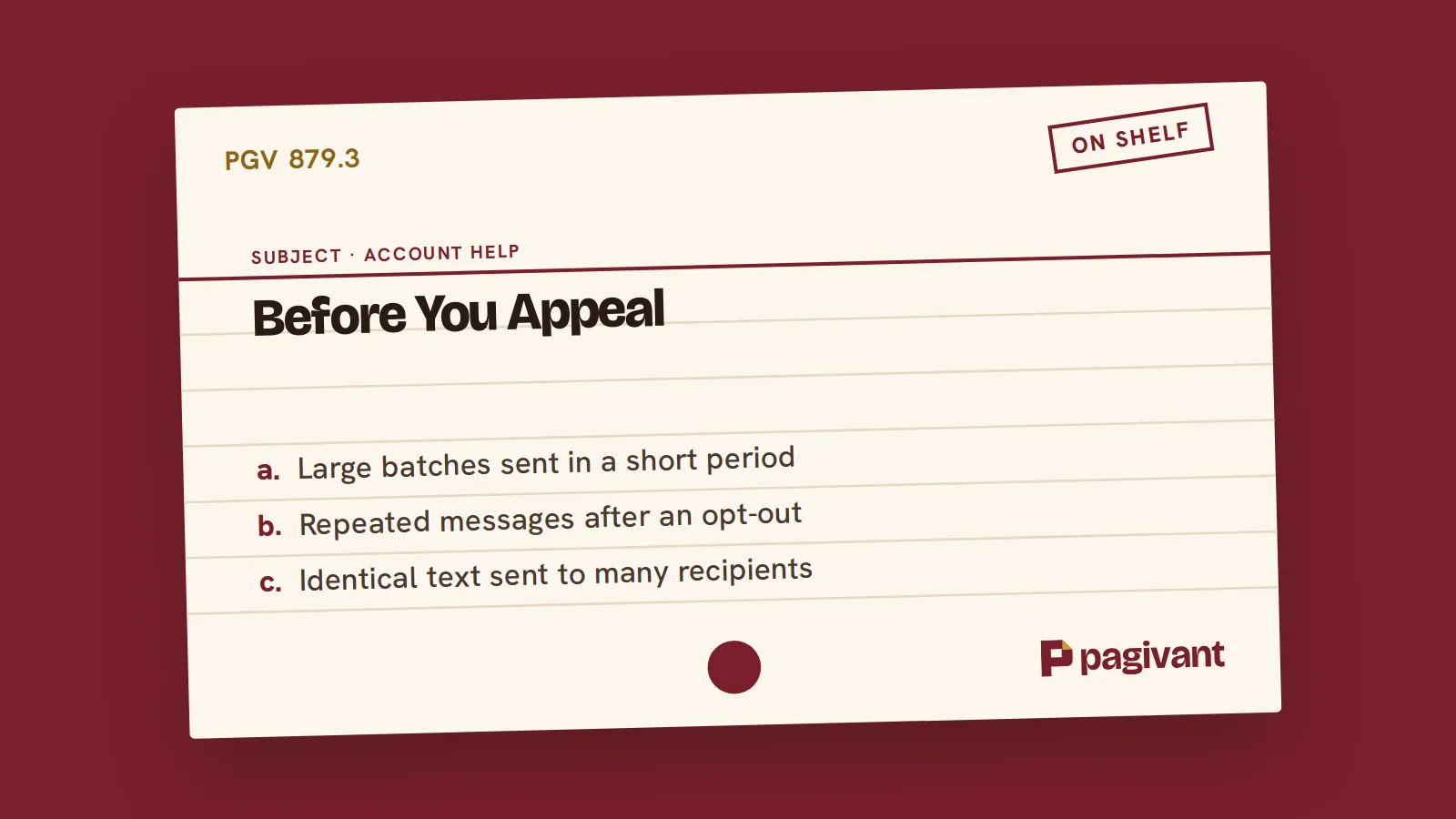
- Large batches sent in a short period
- Messages to contacts with no recorded opt-in
- Repeated messages after an opt-out
- Identical text sent to many recipients
- Links that redirect through unfamiliar domains
- Promotions that don’t match your profile
- Messages sent by a former employee or agency
Build a simple timeline instead of guessing. Note when the account was created, when messaging volume changed, which campaign ran, and when the ban appeared.
| Audit item | What to collect | Why it matters |
|---|---|---|
| Account identity | Phone number, business name, country | Helps support locate the correct account |
| Ban evidence | Screenshot, exact notice, date | Shows the actual restriction |
| Software | App version, linked devices, integrations | Identifies unauthorized tools |
| Consent | Signup form, checkbox, conversation request | Demonstrates permission |
| Messaging history | Campaign dates and recipient groups | Helps explain a suspected trigger |
| Business legitimacy | Website, registration details, invoices | Supports a genuine-business explanation |
Don’t delete evidence before reviewing it. Removing chats or campaign records may make it harder to understand what happened. Protect customer privacy while collecting evidence, and share only what support requests.
How to Submit an Appeal
The preferred method is the review option shown inside WhatsApp or WhatsApp Business. Open the app, enter the affected phone number if prompted, and look for Request a review or similar wording.
The exact screens can vary by operating system, account status, and app version. WhatsApp’s official guidance on account bans and reviews explains the company’s account-enforcement process and the available review path.
When the form provides a message box, write a short explanation. Include:
- Your full name and business name
- The affected phone number in international format
- What your business sells or provides
- How customers opt in to messages
- Whether you use the official WhatsApp Business app
- Any corrective action already taken
- A polite request for manual review
A useful appeal might read:
Hello, my business account for [business name], using +[country code and number], was disabled. We provide [brief, accurate service] and contact customers who request information through our website, in-store forms, or prior conversations. We use the official WhatsApp Business app. We have reviewed our messaging practices, removed any third-party tools, and will honor all opt-out requests. Please review the account manually and let us know what information is needed.
Don’t claim that you never sent promotional messages if you did. Don’t accuse support of censorship, threaten legal action, or paste a long emotional explanation. Accuracy matters more than volume.
| Appeal element | Strong wording | Weak wording |
|---|---|---|
| Business description | “We provide residential plumbing services” | “We do everything” |
| Customer source | “Customers request quotes through our form” | “We got numbers online” |
| Software | “We use the official app only” | “We use a tool that makes sending faster” |
| Correction | “We removed unapproved automation” | “We will be more careful” |
| Request | “Please conduct a manual review” | “Unban me immediately” |
Submit one complete appeal first. Multiple submissions with different explanations can create confusion and usually don’t speed up a decision.
If you use the WhatsApp Business Platform
The free WhatsApp Business app and the WhatsApp Business Platform (Cloud API) are different products. The steps above are for the app, where you tap Request review.
If your number runs through the Platform or a software provider, enforcement notices usually appear on your WhatsApp Business Account in your Meta business portfolio, and appeals go through Meta’s Business Support Home or WhatsApp Manager. Check which product you use first, then follow Meta’s official flow. No service can guarantee that Meta will approve an appeal.
What Happens After Submission?
WhatsApp says most reviews are completed within 24 hours. Some take longer when the account needs additional checks, so there's no guaranteed turnaround time. Avoid anyone who promises a guaranteed unban for a fee.
While waiting:
- Keep the affected SIM active
- Keep access to the business email address
- Don’t repeatedly request SMS codes
- Don’t switch the number between devices unnecessarily
- Don’t send mass messages from another account
- Monitor official in-app notices
- Preserve your customer-support records
A review can result in restoration, continued restriction, a request for more information, or a final disablement. If WhatsApp restores the account, change your operating practices immediately rather than resuming the same campaign.
Warning: Never give a third party your verification code, two-step verification PIN, recovery email password, or device access. “Account recovery” scammers often target businesses immediately after a ban.
If Your Appeal Is Denied
A denied appeal doesn’t automatically prove that your business is illegitimate. It means the platform has decided not to restore that account through the submitted review. If the app offers another official contact or review option, use it once and provide new, relevant information rather than repeating the same paragraph.
Don’t create several new accounts in rapid succession. A replacement number that immediately repeats the old behavior can be restricted too.
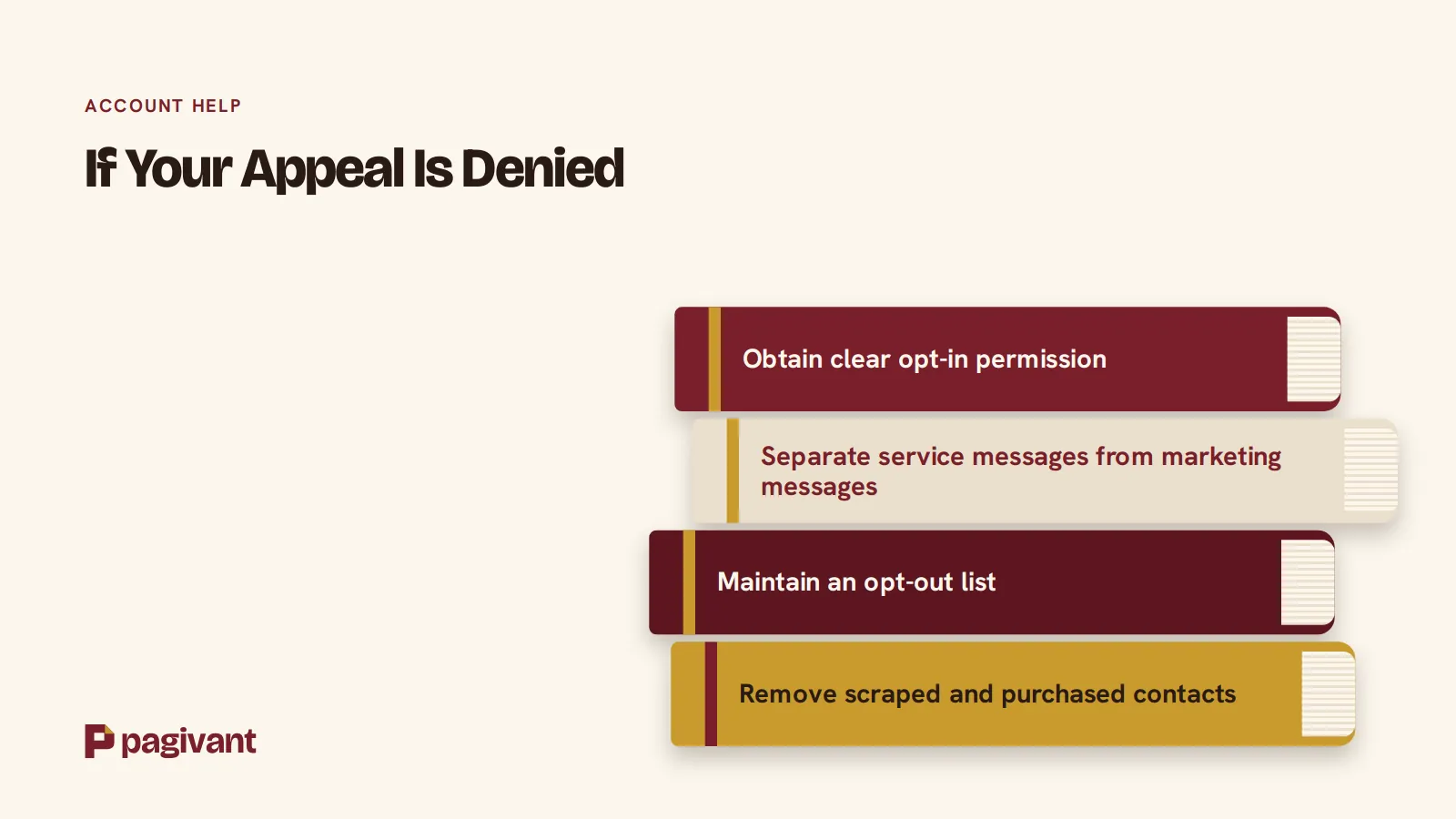
Before considering a replacement account, fix the underlying process:
- Obtain clear opt-in permission
- Separate service messages from marketing messages
- Maintain an opt-out list
- Remove scraped and purchased contacts
- Stop unofficial automation
- Train staff on messaging rules
- Use approved business tools
- Limit promotional frequency
- Make the profile and website consistent
If the account was hacked, explain that specifically and state what security measures you changed. If an employee or agency sent the messages, identify the event without shifting blame dishonestly.
Choosing a replacement number
A new number should be a last resort, not a shortcut. Use a number controlled by the business, document who can access it, and avoid importing an old marketing list without re-confirming permission.
| Replacement step | Safer practice | Avoid |
|---|---|---|
| Acquire number | Use a business-controlled number | Renting disposable numbers |
| Set up profile | Match legal and public business identity | Impersonating a known brand |
| Add contacts | Start with recent opt-ins | Importing scraped lists |
| Send first messages | Use small, expected conversations | Launching a mass campaign |
| Manage staff | Use named access and training | Sharing verification codes |
| Monitor feedback | Track blocks and opt-outs | Ignoring complaints |
A replacement account may not solve the problem if customers continue reporting messages or if unauthorized tools remain connected.
Prevent Another Ban
Prevention depends on permission, relevance, transparency, and restraint. Treat WhatsApp as a conversation channel, not as a free email blast system.
Build a consent record
Record when and how each person agreed to receive messages. Useful records may include a website form, an appointment request, a QR-code signup, a keyword subscription, or an explicit request in an existing conversation.
Your record should show:
- Date and time of consent
- Phone number
- Source of consent
- Message categories selected
- Relevant privacy notice
- Opt-out or unsubscribe status
Don’t assume that a customer’s phone number alone proves permission.
Separate message categories
Service messages and marketing messages shouldn’t be treated identically. A shipping update, appointment reminder, promotional offer, and account alert have different customer expectations.
Create separate lists or labels for:
- Order confirmations
- Delivery updates
- Appointment reminders
- Customer-service replies
- Product announcements
- Promotional offers
- Abandoned-cart follow-ups
Clear expectations reduce complaints. Tell customers what they will receive and how often, then honor that description.
Handle opt-outs immediately
If someone replies “stop,” “unsubscribe,” “remove me,” or otherwise indicates that they no longer want messages, stop promotional messages promptly. Don’t send a final sales pitch asking them to reconsider.
Maintain a suppression list so the person isn’t accidentally re-added by another employee, spreadsheet import, or marketing agency.
Keep volume reasonable
There’s no single safe message-per-day number that applies to every business. A new account sending hundreds or thousands of nearly identical messages is more likely to attract complaints than a mature account replying to genuine customer inquiries.
Start with expected conversations, monitor responses, and expand only when customers engage positively. Quality over volume is a safer operating principle than chasing an arbitrary limit.
When to Contact Meta Support
Use official support routes when the in-app review fails, the account appears compromised, or your business uses approved Meta business products and needs an account-level investigation.
Prepare:
- WhatsApp phone number
- Meta business portfolio ID (also called Business Manager ID), if applicable
- Business website
- Screenshots of the restriction
- Relevant case numbers
- Description of the corrective steps
- Evidence of customer opt-in
- Approximate date of the suspected incident
Keep every message consistent. If you say the account was hacked in one request and admit to using a bulk sender in another, support may have difficulty determining what happened.
Avoid paid “unban” services, social-media contacts claiming to be employees, and people asking for remote access. Official support won’t need your one-time verification code to prove ownership.
Appeal Checklist
Use this checklist before pressing submit:
- [ ] I confirmed the account is actually banned.
- [ ] I captured the exact notice and date.
- [ ] I am using the official WhatsApp Business app.
- [ ] I removed unofficial tools and linked devices.
- [ ] I reviewed recent campaigns and conversations.
- [ ] I identified how customers gave permission.
- [ ] I stopped messages that lacked clear consent.
- [ ] I prepared the number in international format.
- [ ] I wrote a concise, truthful explanation.
- [ ] I described corrective action.
- [ ] I submitted through an official review route.
- [ ] I won’t send repeated appeals or share codes.
A good appeal isn’t a legal brief. It’s a clear account of who you are, what your business does, how you communicate, what may have gone wrong, and what you changed.
Want an expert to set this up with you? Take a look at Facebook Page Setup.
Part of our guide: WhatsApp Business: The Complete Guide for Small Businesses
Frequently Asked Questions
Can I appeal a permanently banned WhatsApp Business account?
Yes, if WhatsApp shows a Request review option or another official support route. If no review option appears, WhatsApp says the ban is final. Submit a concise, truthful explanation and include relevant corrective action. A review isn’t a guarantee of restoration, particularly when the account involved repeated spam, prohibited activity, fraud, or attempts to evade earlier enforcement.
How long does a WhatsApp Business appeal take?
WhatsApp says most reviews are completed within 24 hours, but there's no guaranteed timeframe. Some take longer because of account history, security checks, or support volume. Keep the number active, avoid repeated submissions, and watch the app for a decision or request for more information.
Should I delete WhatsApp and reinstall it?
Reinstalling usually doesn’t remove an account-level ban. It can also create verification complications if you repeatedly request codes. First capture the ban notice, use the official review option, and remove unauthorized software or linked devices. Reinstall only when troubleshooting the app itself, not as a substitute for an appeal.
Can a new phone number bypass the ban?
A new number may also be restricted if the same unsolicited messaging, automation, or prohibited activity continues. Don’t use a replacement number to evade enforcement. Correct the business process first, use a number controlled by the business, and begin with customers who have clearly requested contact.
What if someone hacked my business account?
State that clearly in the appeal and explain when you noticed the compromise. Remove unknown linked devices, secure the phone and email account, change relevant passwords, enable two-step verification, and review messages sent during the suspected period. Don’t invent a hacking explanation if the restriction followed your own campaign.
Can I use WhatsApp Business after an appeal is approved?
Yes, if WhatsApp restores the account, but restoration doesn’t make the previous behavior safe. Reconfirm opt-ins, stop unapproved automation, honor opt-outs, limit promotional frequency, and train every employee or agency with access. Monitor customer responses closely during the first campaigns after restoration.
What to do next
Start by screenshotting the exact ban message and auditing your recent activity. Then remove unofficial tools, gather proof of customer permission, and submit one calm review request through the app. If the review fails, fix the cause before considering any replacement number; otherwise, the same problem is likely to return.

Derek Campbell writes about Facebook features, tools, and account management, covering topics such as account troubleshooting, Business Manager, Facebook Marketplace, and outreach strategies. His content also explores Facebook Groups, community engagement, and ways to connect with relevant audiences. His writing emphasizes practical Facebook know-how, from navigating Marketplace and managing business communities to building meaningful connections through Groups and outreach.
Checked against Facebook’s own help and policy pages on the date shown above.