WhatsApp Business Compliance in India: Key Rules to Follow

In India, whatsapp business compliance in india means using the right WhatsApp account, getting valid customer consent, protecting personal data, and following advertising and messaging rules. You’ll also need clear business details, an opt-out method, and records that show why you contacted each person. The exact duties change with your business, message type, and data use. This guide covers the practical process, key laws, records, storage, risks, and cases where WhatsApp isn’t the right channel.
What compliance covers
WhatsApp compliance is the process of using WhatsApp Business or the WhatsApp Business Platform without breaking privacy, consumer-protection, messaging, or platform rules. It applies to small businesses using the app, companies using the API, agencies sending messages for clients, and vendors that process customer information.
Your business should identify who is sending the message, why the message is being sent, what data is being used, and whether the recipient agreed to receive it. A message can be lawful in one situation and risky in another. For example, a service update requested by a customer isn’t the same as an unsolicited sales campaign.
The main misconception is that a phone number alone gives permission to send marketing messages. It doesn’t. A person may give you a number to complete an order, but that doesn’t automatically mean they agreed to future promotions.
India’s Digital Personal Data Protection Act, 2023 applies to digital personal data in the situations described by the Act. It includes duties around notice, consent, certain legitimate uses, security safeguards, and handling requests. The Information Technology Act, 2000 and the Information Technology (Intermediary Guidelines and Digital Media Ethics Code) Rules, 2021 may also matter, depending on your activity and platform setup.
WhatsApp has its own Business Messaging Policy. Your business must follow both the law and WhatsApp’s rules. Meeting one doesn’t guarantee that you meet the other.
If you’re unsure whether a campaign is permitted, pause it and ask an Indian privacy lawyer or qualified compliance adviser. A platform suspension can happen before a legal dispute is resolved.
How to set up WhatsApp Business compliance in India
Use these steps for a normal business workflow. They assume you’re sending ordinary customer-service or marketing messages, not regulated financial, medical, gambling, or adult-content campaigns.
-
Choose the correct account. Use the WhatsApp Business app for a small, manually managed inbox. Use the WhatsApp Business Platform through Meta’s official Cloud API or an approved business solution provider when you need automation, multiple agents, templates, or system integration. Keep the business name and phone number connected to a real operating business.
-
Write a clear privacy notice. Explain what personal data you collect, why you use it, who receives it, how long you keep it, and how a person can contact you. Put this notice on your website, checkout page, app, or form before data collection. Don’t hide it only inside a WhatsApp chat.
-
Collect specific consent. Use a separate, unticked choice for promotional WhatsApp messages. Say what the person will receive, such as offers, product updates, or appointment reminders. Don’t combine marketing consent with acceptance of unrelated terms.
-
Record the permission. Save the phone number, date, source, wording shown, purpose, and consent status. If a customer gives permission through a website form, keep the form version or campaign version used at that time.
-
Use approved message formats. For API messages sent outside the permitted customer-service window, submit the message as a WhatsApp-approved template. Don’t disguise an advertisement as a service alert. Keep the content consistent with the approved purpose.
-
Add an easy opt-out. Tell recipients how to stop promotional messages, such as replying “STOP” or using a clearly named preference link. Process the request promptly, and suppress that number from future campaigns unless the person gives fresh permission.
-
Secure access and data. Turn on account security features, limit staff access, remove former staff, and avoid copying customer chats into personal devices. If you use a provider, check its contract, access controls, breach process, and data-deletion terms.
The main judgment call is whether a message is genuinely expected by the customer. If the person asked for order updates, send the update; if you’re adding a discount or sales pitch, use a separate marketing permission and identify it clearly.
Don’t build your own unofficial WhatsApp automation, scrape numbers, or bypass platform limits. If the setup needs API integration, data migration, or regulated advice, use an approved provider and a qualified professional.
WhatsApp compliance numbers and settings
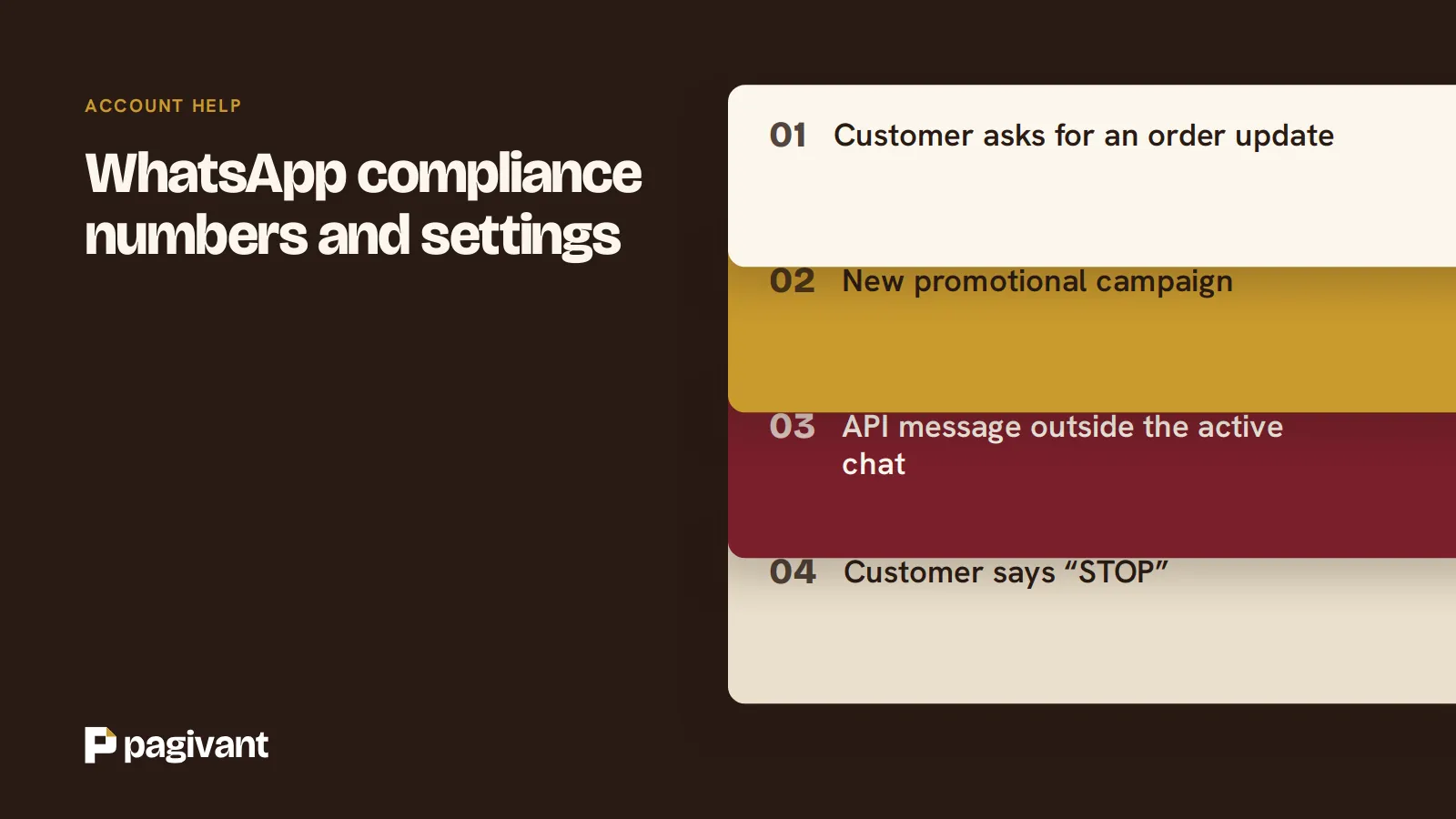
These figures are the practical checkpoints that usually change the correct action. They aren’t a substitute for reviewing the current law, WhatsApp policy, or your contract with a messaging provider.
| Situation | What to use | How long | What to watch for |
|---|---|---|---|
| Customer asks for an order update | Service message | Only while needed | Don’t add an unrelated promotion |
| New promotional campaign | Recorded marketing consent | Before sending | Consent must name WhatsApp or the message purpose |
| API message outside the active chat | Approved template | As needed | The template must match the real message |
| Customer says “STOP” | Suppression record | Until fresh permission | Don’t send the next campaign automatically |
| Staff member leaves | Access removal | Immediately | Revoke devices, sessions, and provider access |
| Data no longer serves the stated purpose | Secure deletion or anonymization | As soon as retention ends | Check tax, contract, and dispute records first |
| Suspected account compromise | Incident response | Immediately | Pause campaigns and preserve relevant logs |
A 24-hour customer-service window is commonly associated with WhatsApp Business Platform messaging, but confirm the current platform policy for your account and provider before relying on it. The window can affect whether you may send free-form replies or need an approved template.
Keep the records that prove your decision. A short campaign log is more useful than a large export with no consent source, purpose, or opt-out status.
Message pricing has changed
WhatsApp Business Platform pricing moved from conversation-based charges to per-message pricing for template messages on 1 July 2025. If a guide or provider quote still describes conversation-based charges as current, it is out of date. Check Meta’s pricing page for current categories and rates.
The free WhatsApp Business app is a different product from the WhatsApp Business Platform. It has different features and different pricing.
What good campaigns do differently
Good campaigns start with data cleanup, not creative writing. Remove numbers with no consent source, check that the business identity is clear, and separate service contacts from promotional contacts. A person who bought once shouldn’t automatically enter every future campaign list.
The order also matters. First confirm the purpose and audience. Then check consent, prepare the message, test the link, confirm the approved template if required, and send to a small controlled group before wider delivery. This reduces the cost of a broken coupon, wrong product claim, or missing opt-out.
Check the campaign while it’s running. Watch failed deliveries, blocks, opt-outs, complaints, and replies that show confusion. If complaints rise or people say they never agreed, pause the campaign and investigate the source instead of sending more messages to “fix” the result.
Leave sensitive data out of ordinary chats unless the customer needs to provide it and your process is designed for it. Don’t ask for passwords, one-time passwords, full card details, or unnecessary identity documents. Use a secure, purpose-built process when the information is sensitive.
A common costly mistake is importing an old customer list and treating past contact as current marketing consent. That can create complaints, account restrictions, wasted campaign spend, and a weak position if a customer asks how you obtained the number. Keep service and marketing permissions separate.
The trade-off is simple: a smaller permissioned audience usually gives you cleaner records and less risk, while a larger scraped or borrowed list may create faster reach but more complaints and account trouble.
WhatsApp problems and quick fixes
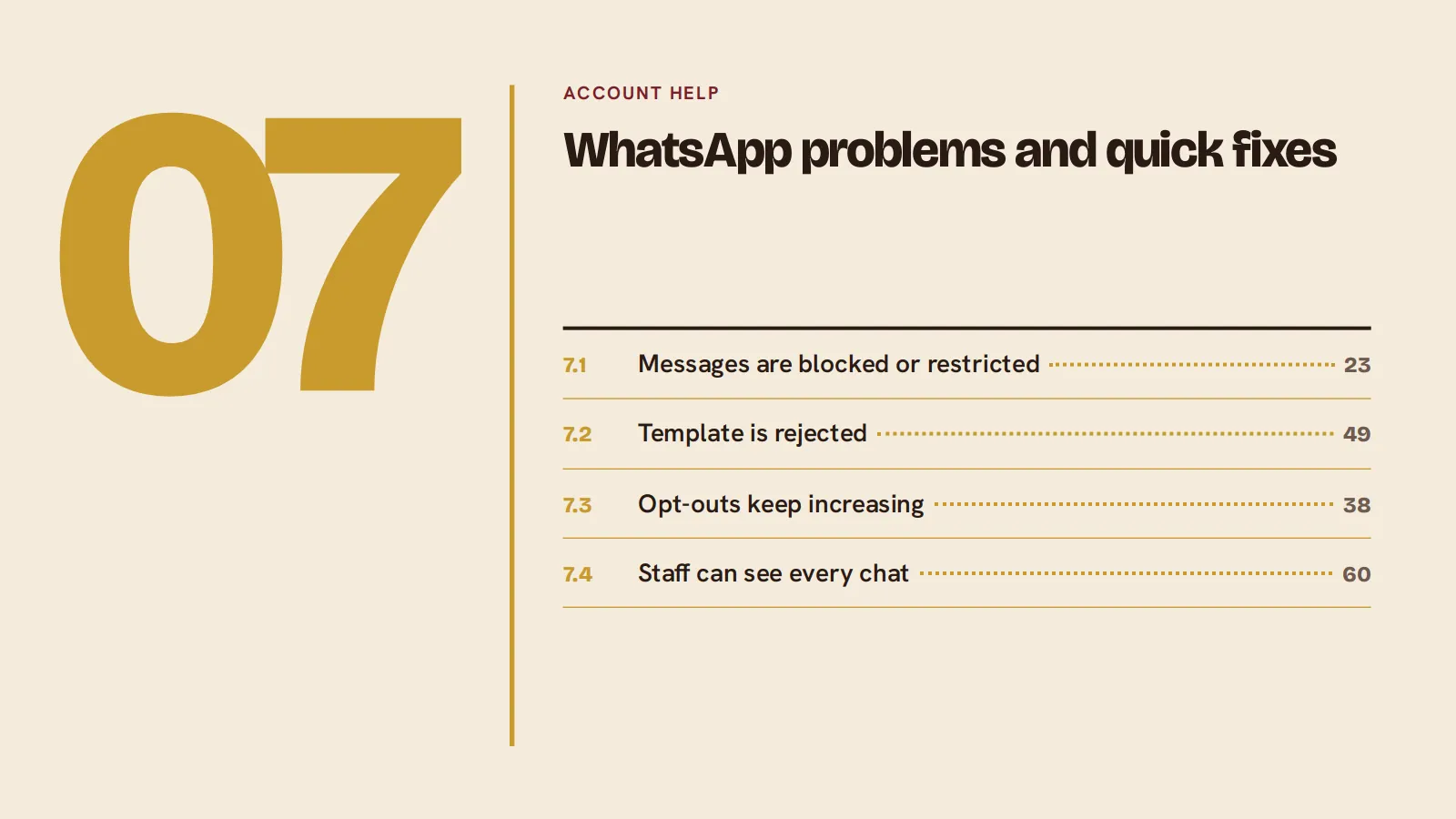
A message problem often points to a data, template, access, or permission issue. Start with the safest check: stop the affected campaign, preserve the record, and avoid repeated sends while you investigate.
| What you notice | What it usually means | What to do first |
|---|---|---|
| Messages are blocked or restricted | Policy, quality, or user-report problem | Pause the campaign and review consent and content |
| Template is rejected | The wording or category doesn’t fit | Rewrite it to match the real purpose and submit again |
| Customers ask who you are | Business identity is unclear | Add the legal or trading name and reason for contact |
| Opt-outs keep increasing | Audience or offer is poorly matched | Stop promotions to those contacts and inspect the consent source |
| Staff can see every chat | Access is too broad | Use role-based access and remove unnecessary users |
| A customer says they never agreed | Consent record is missing or unclear | Suppress the number and locate the original collection record |
Don’t keep changing words until a blocked campaign passes review. If the underlying problem is unsolicited messaging, a new template won’t repair the consent problem.
When a complaint involves a regulator, a data breach, payment information, or a threatened legal claim, give the case to your privacy lead or Indian counsel. Don’t delete relevant records or ask staff to continue contact from another number.
Indian rules to check
The Digital Personal Data Protection Act, 2023 is the central privacy law to review for digital personal data. The Act describes consent as specific, informed, and unambiguous, and it gives people rights that can include access to information about their data and correction or erasure, subject to the law’s conditions.
The Ministry of Electronics and Information Technology publishes the Act and related implementation information. Check the Digital Personal Data Protection Act and the current rules before relying on a timetable, threshold, or detailed duty.
The Information Technology Act, 2000 and the 2021 IT Rules may apply to platform-related duties, unlawful content, grievance handling, or intermediary activity. The exact role matters. A business using WhatsApp for its own customer service isn’t automatically in the same position as a platform or service provider.
For commercial communications, review the Telecom Regulatory Authority of India’s rules and guidance, including the framework used for registered commercial senders, headers, templates, and consent in applicable telecom messaging. WhatsApp messages and SMS campaigns aren’t identical, so don’t assume an SMS registration process automatically authorizes WhatsApp marketing.
If your business handles banking, insurance, securities, health information, children’s data, or identity documents, sector rules may add controls. Ask the relevant regulator or a licensed Indian adviser before launching the campaign.
DPDP timeline to plan around
The Ministry of Electronics and Information Technology notified the Digital Personal Data Protection Rules, 2025 on 13 November 2025. The Rules start in phases, not all at once. Reports on the timeline say the Consent Manager rules begin around 13 November 2026. They say most duties for businesses that handle personal data begin around 13 May 2027. Check the official Rules text on the MeitY site for exact dates.
Treat the time before then as preparation. Update your privacy notice, consent wording, retention schedule and vendor contracts now, so you aren’t rushing later.
Keep records after sending
Keep a simple record for every contact source. It should show the phone number, collection date, collection channel, wording shown, purpose, consent status, opt-out status, campaign name, and any later change. Restrict this record to staff who need it.
Store only what you still need. If a campaign ends and there’s no legal, tax, contract, or dispute reason to keep a detail, delete it or anonymize it under your retention process. Don’t keep a full chat history forever just because storage is easy.
Review access whenever staff change roles. Remove old devices, API tokens, provider accounts, and shared spreadsheets. If a vendor handles the messages, record the vendor name, data shared, purpose, security terms, and deletion process.
Bring a contact back only after a clear new opt-in. A person who opted out shouldn’t be added again because they later made a purchase. If the original permission is unclear, treat the person as unsubscribed until they choose to receive marketing again.
When WhatsApp is the wrong choice
WhatsApp isn’t the best channel when the customer hasn’t clearly agreed to messaging. Use the customer’s chosen channel, such as email, an account inbox, or a physical notice, and ask for WhatsApp permission separately.
It’s also a poor choice for collecting highly sensitive information. If a process needs payment credentials, passwords, extensive medical details, or identity documents, use a secure system designed for that data and send only a safe status update through WhatsApp.
Avoid it when your team can’t monitor opt-outs, protect accounts, or answer customer requests. A simple email system with proper records may be safer than a fast chat campaign with no ownership.
If your messages are regulated financial, health, gambling, adult, or age-restricted promotions, get specialist advice before sending. If the rules or platform policy prohibit the content, change the offer or channel rather than trying to hide its purpose.
If you would rather have this handled for you, our Facebook Page Setup service covers it end to end.
Part of our guide: WhatsApp Business: The Complete Guide for Small Businesses
Frequently asked questions
Can I message customers who bought from me before?
Not automatically for marketing. A previous purchase may support a service message about that transaction, but it doesn’t always prove permission for future WhatsApp promotions. Keep the service purpose separate from advertising. If you want to send offers, collect a clear promotional opt-in and record when, where, and how the customer gave it.
Why was my WhatsApp Business account restricted?
A restriction can follow user reports, blocks, poor message quality, prohibited content, suspicious automation, or messaging people without valid permission. Stop the campaign first. Review the audience source, message purpose, opt-out handling, and account access. If the restriction remains, use WhatsApp’s official review process and provide accurate business information.
How long should I keep WhatsApp consent records?
There isn’t one universal retention period that fits every Indian business. Keep the record while you may reasonably need to prove the permission, honor an opt-out, handle a complaint, or meet a legal or contractual duty. Your privacy notice and retention schedule should state the approach. Delete it sooner when no valid purpose remains.
Is it safe to collect customer data on WhatsApp?
Only for data your process genuinely needs and can protect. Don’t request passwords, one-time passwords, full payment-card details, or unnecessary identity documents in ordinary chat. Use a secure system for sensitive information. Limit staff access, protect devices, and tell customers why you need any personal data before collecting it.
What happens if a customer asks to stop messages?
Stop promotional messages and add the number to a suppression list. Don’t send one more offer to confirm the request. You may still need to send a necessary service message, such as a transaction update, but keep it limited to that purpose. Record the opt-out so another campaign doesn’t add the person again.
How many WhatsApp accounts can one business use?
There isn’t one safe number for every business. The practical limit depends on your account type, phone-number setup, provider, business verification, and WhatsApp’s current terms. Use accounts that represent real business functions, not extra numbers to evade restrictions. Ask your provider about the current limits before creating multiple accounts.
Can I use a bought phone-number list for WhatsApp marketing?
No, not as a safe compliance practice. A purchased list usually doesn’t show that each person agreed to receive your WhatsApp promotions or understood who would contact them. Build a permissioned list through your own forms, checkout flow, or customer preference center. Keep the collection wording and source with each contact.
What to do next
Before sending your next campaign, review your WhatsApp process with a compliance professional and update it for changes in Indian law, platform rules, and your business model. Keep this review regular, not one-off, so your customer communications stay useful, respectful, and ready for scrutiny when requirements change.

Derek Campbell writes about Facebook features, tools, and account management, covering topics such as account troubleshooting, Business Manager, Facebook Marketplace, and outreach strategies. His content also explores Facebook Groups, community engagement, and ways to connect with relevant audiences. His writing emphasizes practical Facebook know-how, from navigating Marketplace and managing business communities to building meaningful connections through Groups and outreach.
Checked against Facebook’s own help and policy pages on the date shown above.