How to Recover a Facebook Page You Lost Access to

Facebook Page access can usually be recovered by finding an admin, checking Business Portfolio permissions, or using Meta’s hacked-account recovery flow. The best route depends on whether you still control your personal Facebook account, whether another admin remains, and whether the Page was hacked or simply lost through a role change.
Facebook Page access problems
This page is for someone who can still log in to Facebook but can’t manage a Page. You may have lost an admin role, been removed from a Business Portfolio, or changed jobs and lost access to a company Page.
It also helps if your personal account was hacked and the attacker changed Page roles. In that case, you’ll need to secure the account first, then report the Page access problem.
A Page owner may need a way to add you back. A freelancer may need the business owner to assign the correct task. A former employee may need to contact the current Page owner instead. This guide serves people who have a legitimate connection to the Page and can prove it. It isn’t a way to claim a Page you don’t own.
What decides your recovery route
Your personal account is the first deciding factor. If you can still log in and pass Facebook’s security checks, start with Page or Business Portfolio permissions. If you can’t log in at all, recover the personal account before trying to recover the Page.
The Page’s current ownership matters next. If another person still has full control, they can add you again. Ask them to check Page access and Business account access, not only the older “Page roles” menu. The menu shown can vary by Page setup.
The reason you lost access changes the route. Removal by an admin usually needs that admin’s help. A hacked account needs account recovery and a security report. A disabled Page may need an appeal, and repeated requests won’t replace the appeal process.
The Page’s business connection can also matter. A Page linked to a Business Portfolio may be controlled there instead of through ordinary Page settings. Check Business settings, Accounts, and Pages to see which business owns or manages it.
The mistake that causes the biggest delay is sending a vague report. Write the Page name, URL, your old role, the date access stopped, and the action you need. Screenshots can help, but don’t send passwords, login codes, or government ID unless Meta’s official process asks for it.
Steps to recover Page access
Use the route that matches your situation. Don’t create a second Page as a first response, because followers, posts, reviews, and advertising history won’t automatically move to it.
-
Log in to your personal Facebook account. Confirm that you can open Facebook normally and that the account uses the email address or phone number connected to your identity. If you can’t log in, stop here and use Facebook’s account recovery options first.
-
Open the Page directly. Search for the Page name or enter its saved URL. If you can view the Page but don’t see management tools, you likely have a permission problem rather than a missing Page.
-
Check your Page access list. Open the Page, choose Settings, then look for Page access or a similar permissions area. The exact labels can differ by Page type and Facebook’s current interface.
-
Ask a current full-control user to check your access. They should open the Page’s access settings and confirm whether your personal account appears. If it does, they should give you the needed access level and complete any security confirmation Facebook shows.
-
Check Business Portfolio access. If the Page belongs to a business, ask its business administrator to open Business settings, choose Accounts, then Pages. They should check both the Page assignment and your people or partner assignment.
-
Secure your account if access changed unexpectedly. Change your Facebook password, remove unknown sessions, turn on two-factor authentication, and review unfamiliar emails or phone numbers. Don’t continue with Page changes while an unknown person still controls your account.
-
Report the access problem through Meta’s official help route. Include the Page URL, your personal profile URL, your former role, the date access ended, and the names of any current business administrators. Meta’s Page access help may show a different form depending on your account.
-
Save every case number and reply. Keep screenshots of the form, confirmation emails, and replies in one folder. Answer the same case instead of opening many duplicate reports.
-
Stop if the form requests unsafe information. Never send a password, login code, or private recovery code to another person. If Meta requests identity documents, use only the official Facebook or Meta page you reached while logged in.
The key judgment is whether you’re asking for access to be restored or trying to prove ownership. A current admin can usually fix a permissions problem faster; Meta support is more relevant when the account was compromised, the Page has no reachable admin, or the business ownership is disputed.
Recovery routes by situation
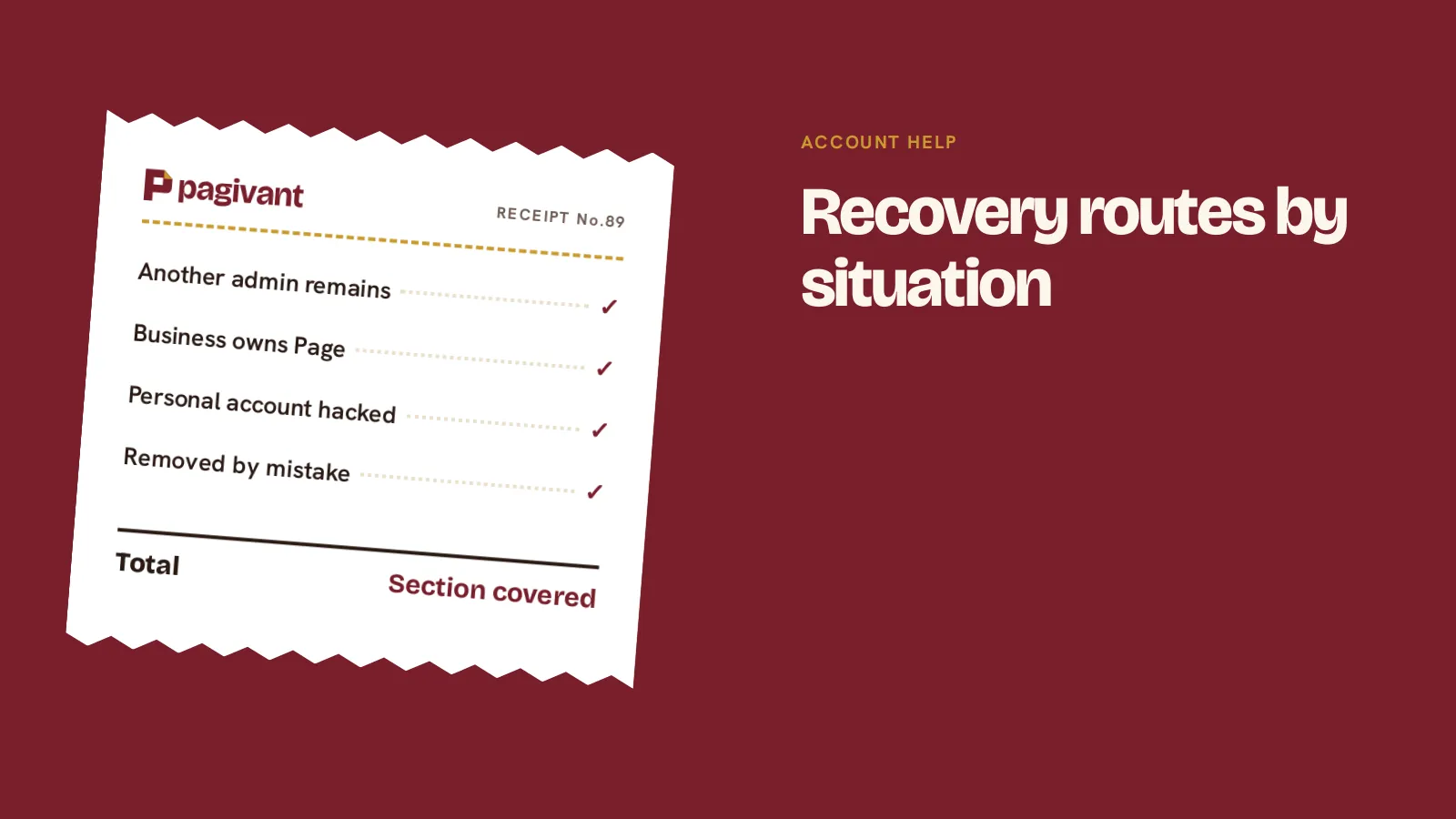
The right route depends on who still has control and what changed. Use the shortest safe route first, then move to Meta support when another admin can’t help.
| Your situation | What to do | What it takes | What to watch for |
|---|---|---|---|
| Another admin remains | Ask for Page access | Minutes to request | Correct profile selected |
| Business owns Page | Check Business settings | Admin cooperation | Page assignment missing |
| Personal account hacked | Secure account first | Account recovery effort | Unknown sessions remain |
| Removed by mistake | Contact current admin | Clear account identity | Wrong permission level |
| No admin responds | Submit Meta report | Evidence and patience | Keep case records |
| Page is disabled | Use appeal route | Policy information | Don’t create duplicate Pages |
| Page ownership disputed | Gather business proof | Possible legal help | Avoid false claims |
Details that protect your recovery
Prepare clear proof
Write the Page’s exact public name and URL before contacting support. Add your personal profile URL, the business name, your former job or contractor role, and the last date you could manage the Page.
Use screenshots that show the Page, old business emails, invoices, contracts, or published posts connected to your role. These may support your explanation, but they don’t guarantee that Meta will restore access.
Check permissions in order
Look at personal Page access first, then Business Portfolio access. Don’t ask for “admin” when you only need publishing, messages, ads, or insights; the requested permission should match the work you’re authorized to do.
Check the account after each change. If the Page appears but publishing or messaging is still missing, the problem may be a limited task assignment rather than total loss of access. Leave payment details, ad accounts, and ownership settings alone unless you’re authorized to manage them.
Page access is not the same as portfolio access
A role on a Page is separate from access to a business portfolio. The portfolio owns Pages, Instagram accounts, ad accounts and similar assets. You can regain a Page role and still have no access to the ad account. Ask the portfolio administrator to check each asset you need. Day to day, Meta Business Suite is the workspace for posting, inbox and insights. The portfolio is managed in its Settings area.
Common Facebook Page access failures

A visible Page doesn’t prove that your account still has management rights. Match the screen you see with the safest first action.
| What you notice | What it usually means | What to do first | How to stop it happening again |
|---|---|---|---|
| Page opens, tools missing | Your access was removed | Ask a full-control user | Keep two trusted admins |
| Page missing from account | Assignment was removed | Check Business settings | Record business ownership |
| Unknown posts appeared | Account may be compromised | Secure your account | Use two-factor authentication |
| Admin can’t find you | Wrong profile selected | Send profile URL | Confirm before assigning |
| Page is disabled | Policy or security action | Read appeal notice | Follow Meta policy guidance |
| Support request stalls | Evidence is incomplete | Add dates and URLs | Save a clear case file |
| Former worker still has access | Old permission remains | Review all users | Remove access during offboarding |
Rules that control Page recovery
Facebook Pages are controlled through account permissions, business assignments, and Meta’s platform policies. The exact options can differ by country, account type, Page experience, and whether the Page belongs to a Business Portfolio.
Meta may ask for information to confirm account or business control. Use the instructions shown in your logged-in account and read the requested document type carefully. Don’t upload extra personal documents just because another person tells you to.
A Page can also be restricted or disabled for policy reasons. In that case, access recovery and policy appeal are separate issues. Follow the notice attached to the Page or account, and don’t try to bypass a restriction by opening a replacement Page.
If the dispute involves a trademark, employment contract, impersonation, or business ownership, stop making ownership claims you can’t prove. Speak with the business owner, an attorney, or the relevant authority before submitting legal statements.
The real cost of recovery
The money cost is often zero when a current full-control admin can restore your access. The time and effort rise when nobody responds, the Page belongs to a Business Portfolio, or your personal account was hacked.
Your biggest cost is usually lost control while the problem remains open. You may miss messages, publishing deadlines, ad changes, or customer complaints. Record the date access stopped and any business impact so your report is specific.
A rushed workaround can cost more than waiting. Creating a duplicate Page splits followers and reviews, while paying an unknown “recovery expert” can expose your password or recovery codes. Compare any claimed service with Meta’s own help process before giving anyone account information.
Why recovery services can’t do this for you
Page and account recovery has to go through Meta’s own Help Center tools, such as the Page access and account recovery flows. No outside service can recover a Page for you or skip Meta’s review. Nobody can promise that Meta will approve a request or appeal. Be careful with anyone who offers a guaranteed recovery or asks for your login details.
Keep Page access secure
After access returns, review every person, partner, and business assignment connected to the Page. Remove people who no longer work with the business, but don’t remove the only other trusted full-control user until a replacement has been confirmed.
Turn on two-factor authentication for your personal Facebook account. Review active sessions and unfamiliar contact details, then change the password again if you find anything you don’t recognize.
Keep a private record of the Page URL, business owner, trusted administrators, and the date permissions were reviewed. When access disappears again, check whether your account still has the same Page assignment before opening a new support request.
When Page recovery is the wrong approach
Page recovery isn’t the right route if you never had permission to manage the Page. Contact the business owner and request an authorized assignment instead of claiming that the Page was stolen.
It’s also the wrong route for a policy-disabled Page when your real goal is to restore publishing. Follow the restriction notice and submit an appeal through Meta’s process; repeated access reports won’t replace that review.
If ownership is part of a legal or employment dispute, don’t guess at the correct claim. Preserve contracts, invoices, emails, and business records, then speak with the business owner or a qualified attorney. Meta support can’t decide every contract dispute.
Need it done properly the first time? See our Facebook Page Setup service.
Frequently asked questions
Can I recover a Facebook Page without an admin?
Sometimes, but there’s no guaranteed self-service route. Submit the access or hacked-Page report with the Page URL, your profile URL, your former role, and the date access ended. Meta may ask for more proof, especially when no current administrator can confirm your identity.
Why can’t I see Page access on Facebook?
You may be viewing the Page from the wrong profile, using an outdated menu, or lacking any assigned permission. Switch into the correct personal account, open the Page settings, and ask a full-control user to check both Page access and Business Portfolio assignments.
How long does Facebook Page recovery take?
There’s no reliable fixed time because Meta reviews differ by case. A current admin can often restore a permission directly, while hacked accounts, disabled Pages, and ownership disputes may need a support review. Keep the case number and reply in the same thread.
Is it safe to give someone my Facebook recovery code?
No. A recovery code is private account security information. Meta support shouldn’t require you to give that code to another person through a message, phone call, or email. Secure the account yourself and use only the official logged-in recovery process.
What happens if the only Facebook Page admin is gone?
The Page may need a Meta support review, especially if no other full-control user remains. Gather business records, the Page URL, proof of your relationship with the business, and details about the missing administrator. Don’t create a replacement Page first.
Does removing a Page admin delete the Facebook Page?
No. Removing a person’s access normally changes who can manage the Page; it doesn’t automatically delete the Page. A separate deletion, disablement, or policy action may affect visibility. Check whether the Page is public before assuming it was deleted.
Can a former employee keep Facebook Page access?
Only if the business has left that permission active. The business should review Page access, Business Portfolio users, partners, and connected ad assets, then remove permissions that are no longer authorized. A former worker shouldn’t try to restore access without the owner’s approval.
What should I do if the Page was hacked?
Secure your personal Facebook account first, including the password, active sessions, and two-factor authentication. Then report the Page compromise through Meta’s official recovery route with the Page URL and a clear timeline. Stop if unknown account access remains.
First steps for Facebook Page recovery
Start by checking whether another full-control admin can add your personal account back. You should regain the exact tools assigned to you, and the Page should appear in your account without unknown activity. Stop and seek Meta support if the account is hacked, the Page is disabled, or ownership is disputed.

Derek Campbell writes about Facebook features, tools, and account management, covering topics such as account troubleshooting, Business Manager, Facebook Marketplace, and outreach strategies. His content also explores Facebook Groups, community engagement, and ways to connect with relevant audiences. His writing emphasizes practical Facebook know-how, from navigating Marketplace and managing business communities to building meaningful connections through Groups and outreach.
Checked against Facebook’s own help and policy pages on the date shown above.