How to Handle a Facebook Page Hit by Spam Comments


When a Facebook Page is hit by spam comments, remove clear scams, report harmful content, block repeat offenders, and filter the repeated wording. Keep real customer complaints visible, even when they’re negative. If comments claim your Page will be deleted, check notices inside Facebook rather than following their links.
Your next move depends on whether the spam comes from repeat accounts, changing accounts, or a compromised Page. Your available controls also depend on your Page access and Facebook’s current interface.
Which Facebook Page problems this covers
A Page owner facing unrelated links needs a cleanup process that won’t erase real conversations. You may already know which comments are spam but need to choose between hiding, deleting, reporting, and blocking. This page serves that situation best: unwanted comments posted by outside accounts.
A moderator handling a busy post has a different problem. You need to separate repeated spam from customer questions, then choose filters that won’t catch both. You also need a clear handoff so another moderator doesn’t undo your work or answer an account you’ve already identified as a scammer.
A business seeing posts or replies it didn’t publish needs account recovery, not just comment moderation. This page isn’t a recovery guide for stolen accounts, disputed Page ownership, or lost administrator access. Use Meta’s account recovery and business support options for those problems.
The advice below assumes you can access the Page and manage its comments. Available moderation controls vary by access type and interface; check your Page access screen and the settings shown in your own account.
What changes your cleanup plan
The content matters more than the number of comments. An unrelated sales pitch and a fake support account asking customers for passwords need different treatment. Read the wording without opening its links, and note whether it requests money, login details, or contact outside Facebook.
Account patterns determine whether blocking will help. If the same account keeps returning, block it; if new accounts repeat the same message, focus on the repeated wording too. Compare account names and comment text before assuming that every copy comes from one person. Blocking alone won’t address a stream of different accounts.
The comment’s context changes your judgment. A link under a customer’s question might be a useful reply or an unrelated promotion. Open the parent comment and read the surrounding conversation. The costly error is treating criticism as spam: deleting a genuine complaint removes the record you need to resolve it and can damage customer trust.
Your permissions decide what you can actually change. A missing setting may reflect your access rather than a broken feature. Check whether you’re acting as the Page and review your assigned permissions. Ask the person managing Page access for the specific control you need, rather than requesting broader access without a reason.
Signs of unauthorized activity change the whole task. Check whether suspicious replies were published by outside accounts or by your Page itself. An outside account copying your branding is impersonation; an unexpected reply published as your Page calls for an access and account-security review before more routine cleanup.
Remove Facebook comment spam step by step
Work from the affected post, not just notification previews. You need the full conversation and the account identity before choosing an action.
Keep a brief moderation note as you work. It should distinguish comments removed as spam from customer issues that still need a reply.
-
Identify the publishing account. Open the comment’s account name without following links in its message. Confirm whether it’s an outside account or your own Page before continuing.
-
Read the parent conversation. Expand the reply thread around each suspected spam comment. Move forward only when you can distinguish an unrelated pitch, deceptive message, or repeated intrusion from a relevant customer response.
-
Record evidence worth keeping. For impersonation, threats, or suspected fraud, capture the comment, account name, and post location before removal. Check that the saved record shows the wording you may need to report.
-
Report content that breaks Meta’s rules. Use the comment or account menu and select the closest accurate reporting category. Look for the submission confirmation; reporting doesn’t guarantee removal.
-
Delete clear scams from your Page’s conversation. Use the comment menu rather than replying to the scammer. Refresh the thread to confirm the comment no longer appears there.
-
Block repeat offending accounts. Use the available Page blocking control for the account you’ve checked. Confirm its identity first, especially when it copies a customer’s or your business’s name.
-
Add narrowly chosen blocked words. Where your Page offers this setting, add the distinctive phrase repeated in the spam. Save the change and confirm that the exact entry appears in the list.
-
Review the affected thread again. Check remaining replies and any hidden comments you can review. The cleanup is ready for handoff when scams are removed and real questions remain available to answer.
The key judgment is whether a filter catches the unwanted message without catching ordinary customers. Don’t broaden it just to make the thread look quiet. If unauthorized activity appears under your Page’s identity, stop routine cleanup and contact the person responsible for Page security or Meta support.
Choose the response by spam pattern
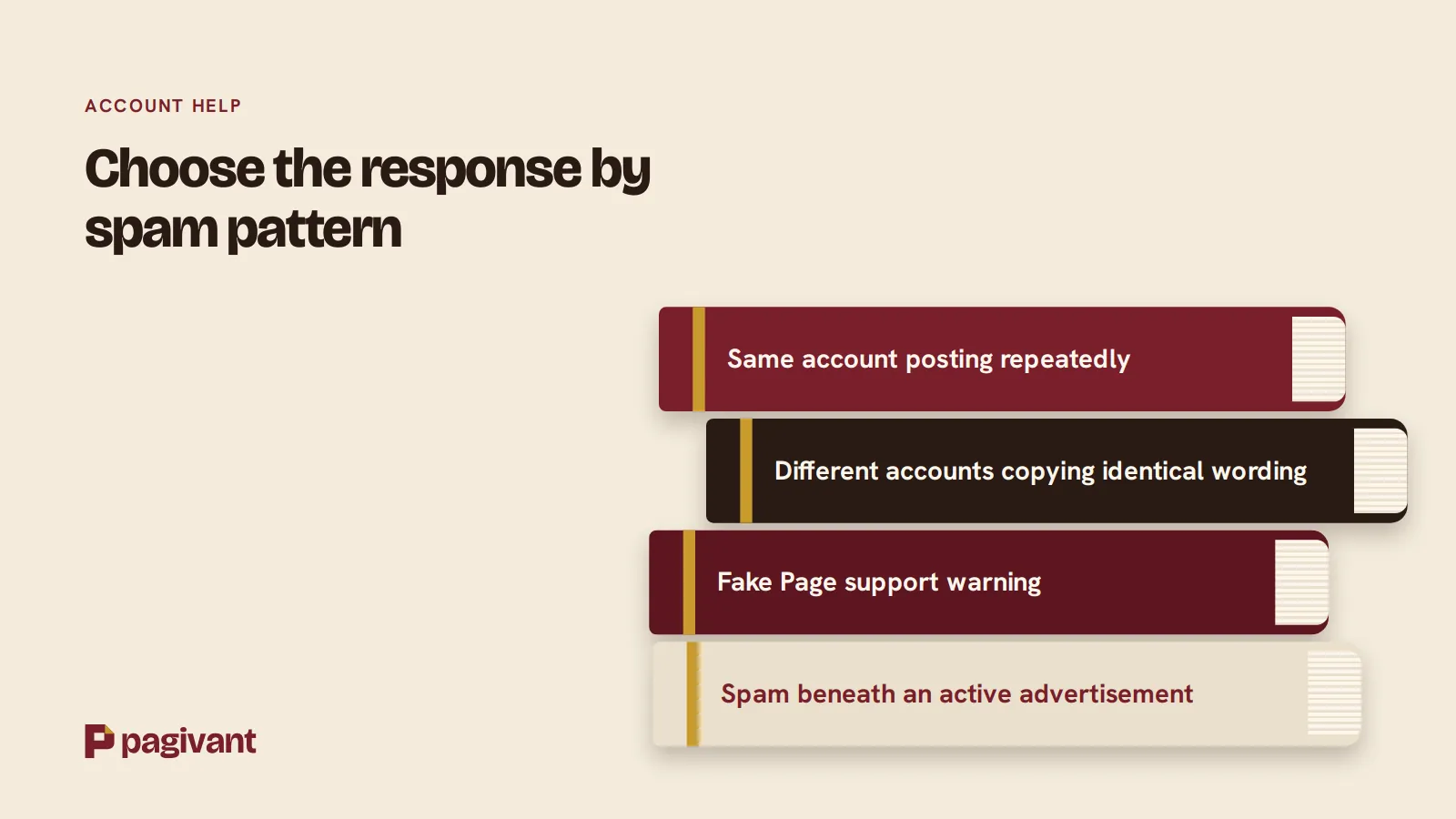
Choose the smallest action that addresses the pattern you can actually see. The effort below describes the work involved, not a promised cleanup time or a guarantee that new spam will stop.
| Spam situation | Best first action | Work involved | Main thing to watch |
|---|---|---|---|
| One unrelated promotional comment | Delete the unwanted comment | Review one full conversation | Relevant links aren’t always spam |
| Same account posting repeatedly | Block the checked account | Inspect comments and account identity | Similar names can cause mistakes |
| Different accounts copying identical wording | Filter a distinctive repeated phrase | Compare messages before choosing words | Broad words can hide customers |
| Fake Page support warning | Report impersonation or suspected scam | Preserve wording and account details | Don’t follow the warning’s link |
| Spam beneath an active advertisement | Moderate the actual ad conversation | Check replies on that placement | Main Page posts may look clean |
| Replies published as your Page | Review access and account security | Involve your authorized Page administrator | Comment deletion won’t resolve access |
A quiet thread isn’t proof that the underlying pattern has ended. Judge the result by whether new unwanted comments appear and whether legitimate replies still reach the conversation.
Keep real Facebook comments visible
A useful cleanup leaves customers able to ask questions and raise problems. Check both what disappeared and what remains, rather than using the number of removed comments as your measure of success.
Choose narrow words before broad filters
A distinctive scam phrase is a better starting point than a common business word. Blocking “payment,” for example, could catch a customer asking about an order. Compare the proposed entry with real comments on the same Page before saving it.
Avoid building a long list from a single message. Start with the wording that clearly marks the unwanted pitch, then inspect hidden comments where Facebook provides that view. If a genuine question matches, narrow or remove the entry rather than asking customers to work around your filter.
Separate moderation from customer service
A complaint about delivery, quality, or a refund still needs a response when it’s relevant to the business. Mark it for the person handling that issue instead of grouping it with unrelated promotions. The visible sign of a good handoff is a customer question with an assigned next action.
Don’t argue with accounts posting the same pitch across unrelated threads. Remove or report the content as appropriate, then leave the conversation available for customers. Also leave useful replies alone: a clean comment section doesn’t need to contain only praise, and a moderation log shouldn’t become a list of opinions your business dislikes.
Fix Facebook Page spam comment moderation problems
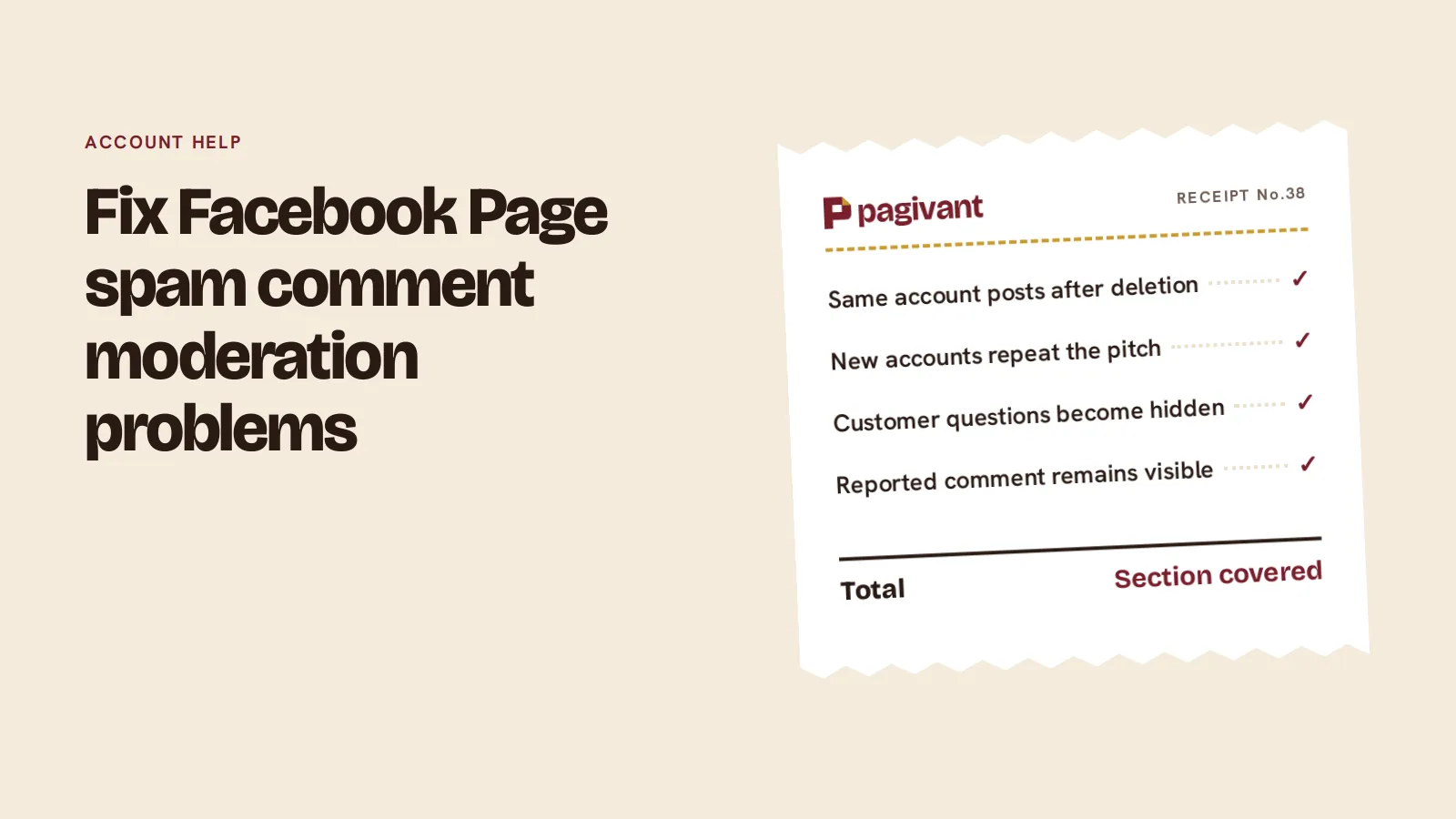
Start with the visible mismatch between the action you took and the result you expected. These checks address moderation problems without assuming that every missing comment or unavailable button has the same cause.
| What you notice | What it usually means | What to do first | How to stop it happening again |
|---|---|---|---|
| Same account posts after deletion | Deletion didn’t block the account | Check the account’s blocking status | Separate deletion from account blocking |
| New accounts repeat the pitch | Account blocking misses new senders | Compare their repeated wording | Maintain narrowly targeted word filters |
| Customer questions become hidden | Your filter may match ordinary wording | Inspect matched words and comments | Avoid broad product and service terms |
| Reported comment remains visible | Reporting hasn’t resulted in removal | Moderate your own thread separately | Don’t treat reports as deletion |
| Moderation setting is missing | Access or interface needs checking | Review your Page access permissions | Document who manages each control |
| Spam remains under an ad | You checked a different conversation | Open the affected ad’s comments | Include ad conversations in reviews |
If these checks don’t explain the problem, record what you see before contacting Meta support. Include the affected post and the unavailable control, but never send passwords or login codes to someone offering help in a comment.
Meta rules and phishing limits
Meta’s Community Standards include rules on spam, fraud, and deceptive behavior. Use the reporting choices that match the content rather than choosing a more serious category to seek a faster response. A report asks Meta to review something; your own Page moderation is a separate action.
Meta’s Help Center explains that hiding a Page comment can leave it visible to its author and their friends. That makes hiding different from deleting. For a clear scam, don’t assume hiding makes the message unavailable to everyone who might encounter it.
The FTC’s guidance on phishing scams advises contacting a company through a website or phone number you already know is real, rather than using information in a suspicious message. Apply that rule to comments claiming to be Facebook support.
Don’t share passwords, recovery codes, or access with a supposed moderator found in comments. If access or ownership is disputed, stop and use Meta’s official recovery or support process.
Time and tools for comment cleanup
The main cost is attention: each uncertain comment needs context, while a clear copied pitch is easier to classify. To estimate your own workload, time one review session and record how many comments you resolved. Use that measured pace, not a promised cleanup speed from a tool seller.
Native moderation controls let you begin without choosing another service. A paid tool may offer a shared inbox or automation, but compare its current plan details against the exact work you need. Check supported comment locations, approval options, permissions, and how it records moderator actions.
Automation trades less manual handling for more review of its decisions. It’s a poor bargain if staff spend their time restoring customer questions that a broad rule caught.
Deleting negative feedback to save review time creates a different cost. You lose the original context and may need to rebuild the customer’s complaint through another channel. Keep service issues in the service workflow, even during a spam burst.
Keep your moderation record useful
Document the pattern briefly rather than copying every harmless comment. Record unresolved customer questions separately from removed spam.
Review a filter when it catches a genuine comment or when a new spam message gets past it. Change the specific entry involved rather than replacing the whole list. This preserves useful rules while correcting the one that no longer fits.
Meta’s Help Center describes Activity Log as a place to review activity associated with your account or Page, with available entries depending on the view. Use the records your interface provides alongside your own handoff notes. If another moderator changes a rule, ask them to record the reason so you don’t repeatedly reverse each other’s work.
When comment cleanup isn’t enough
Unexpected posts, replies, or access changes under your Page’s identity need an account-security response. Comment deletion won’t resolve unauthorized access. Contact your authorized Page administrator and use Meta’s recovery process rather than continuing to treat the incident as outside spam.
A credible threat or suspected crime also needs more than a filter. Preserve the relevant evidence and contact the appropriate local authority; for immediate danger, contact emergency services. Don’t investigate the sender or arrange contact yourself.
A sudden wave of genuine complaints calls for customer support, not wider blocking. Pause any rule catching those complaints and assign the underlying issue to someone who can resolve it. Moderation can remove unrelated abuse, but it can’t answer an unpaid refund, a missing order, or a disputed business promise.
Need it done properly the first time? See our Facebook Page Setup service.
Frequently asked questions
Can I stop everyone from commenting on my Facebook Page?
Not through one universal control that works across every Page post and placement. Available audience and comment controls depend on the content and interface. Check the affected post’s menu, and don’t assume that a setting for one post changes comments across your entire Page.
Why do spam accounts reply to my customers?
Those replies can put the spam message directly inside an existing conversation. You don’t need to establish the sender’s motive before moderating it. Check replies beneath customer comments as well as top-level comments, especially when a customer reports receiving a suspicious answer.
How long does Facebook take to review a spam report?
The review status shown in your Facebook Support Inbox is the check to use; there isn’t a reliable deadline you should promise customers. Look there for updates on your report, and use your available Page controls to handle the comment while review is pending.
Is it safe to preview a suspicious link?
Don’t open it just to decide whether the comment is spam. The FTC recommends avoiding links in unexpected messages and checking through a known, trusted route instead. You can assess the comment’s wording, relevance, account identity, and requests without visiting its destination.
What happens if I accidentally delete a real comment?
You may not have a restore option for that deleted Page comment. Check the controls available in your interface, then acknowledge the error if the customer contacts you. Ask them to resend the question through your normal support channel rather than pretending nothing happened.
Does it matter if spam appears only under boosted posts?
Yes, because the affected conversation may not be the one you checked on your Page. Open the actual boosted post or ad placement where the comment appears. Include that location in your moderation handoff so the next person reviews the same thread.
Start with the affected Facebook comment
Open the affected conversation and identify whether the suspicious comment came from an outside account or your Page. Expect a usable thread where scams are removed and customer questions remain visible. If an unauthorized reply was published as your Page, stop cleanup and get account-security help.

Derek Campbell writes about Facebook features, tools, and account management, covering topics such as account troubleshooting, Business Manager, Facebook Marketplace, and outreach strategies. His content also explores Facebook Groups, community engagement, and ways to connect with relevant audiences. His writing emphasizes practical Facebook know-how, from navigating Marketplace and managing business communities to building meaningful connections through Groups and outreach.
Checked against Facebook’s own help and policy pages on the date shown above.