WhatsApp Business Display Name Rules

Whatsapp business display name rules require a name that clearly represents your business, matches your public branding, and avoids misleading words, offensive terms, URLs, emojis, and excessive punctuation. Use normal capitalization, keep the name easy to recognize, and make sure it has a clear connection to the business shown in your profile. This guide explains the review process, formatting limits, common rejection reasons, and when another name is safer.
What a WhatsApp display name must show
A WhatsApp Business display name is the business label people see in chats, business profiles, and some notification areas. It helps customers know who is contacting them, so the name should identify your company, store, service, or recognized brand.
The name doesn’t need to match your registered company name word for word. It can use a trading name or brand name if customers can connect that name to your business through your website, social profiles, packaging, or other public business information.
A display name is for a business identity, not a sales message. “Green Oak Plumbing” can work for a plumbing company. “50% Off Today” is a promotion, not a business identity, so it’s a poor choice for the display name.
The main misconception is that any name can pass if it fits the character box. Passing a length check isn’t enough. WhatsApp also looks at the name’s connection to the business, its wording, its formatting, and whether it could confuse or mislead customers.
Use standard capitalization, such as “Green Oak Plumbing,” rather than “GREEN OAK PLUMBING.” Avoid decorative characters, repeated punctuation, emojis, and web addresses. If a term is a registered brand or a recognized abbreviation, keep evidence that shows your business has a real connection to it.
A short name is easier to recognize, but a very short name may be too vague. A longer name can explain the business, but it has a higher risk of looking like an advertisement or a list of keywords.
How to choose a display name
For WhatsApp Business Platform accounts, choose the display name before submitting it for review. Check it against your public business information, then remove anything that looks like a slogan, offer, location-only label, or customer instruction.
- Write the real business or brand name. Use the name customers see on your website, storefront, invoices, packaging, or business registration. If the name is a brand, keep a public page that connects the brand with the business.
- Remove promotional wording. Delete prices, discounts, calls to action, product claims, and phrases such as “official,” “best,” or “open now” unless the wording is genuinely part of the established business name.
- Remove contact details. Don’t add a phone number, email address, website address, social handle, or a line such as “WhatsApp Support.” Put those details in the profile fields meant for contact information.
- Use normal text formatting. Capitalize the first letters where appropriate. Don’t use a string of capital letters, repeated punctuation, decorative symbols, or emojis to attract attention.
- Check the business connection. Compare the proposed name with your website, public profile, legal documents, or other business records. If a reviewer can’t see the connection, choose a clearer name or prepare supporting evidence.
- Submit the exact name you plan to use. Don’t submit one name and plan to change it later into a slogan or product promotion. A later change may trigger another review and can delay your messaging setup.
- Stop when the name is uncertain. If the name includes a regulated service, another company’s trademark, or a personal identity, ask your business administrator or legal adviser to review it before submission.
The key judgment is whether a stranger could identify the business from the name without extra explanation. If the name only describes a product or offer, use a real company or brand name instead; if it clearly identifies the business, keep it simple.
A common mistake is adding “Official,” “Customer Care,” or a location to make the account look more trustworthy. That can make the name look misleading or generic, and a rejected name can delay account approval or customer messaging.
Display name limits at a glance
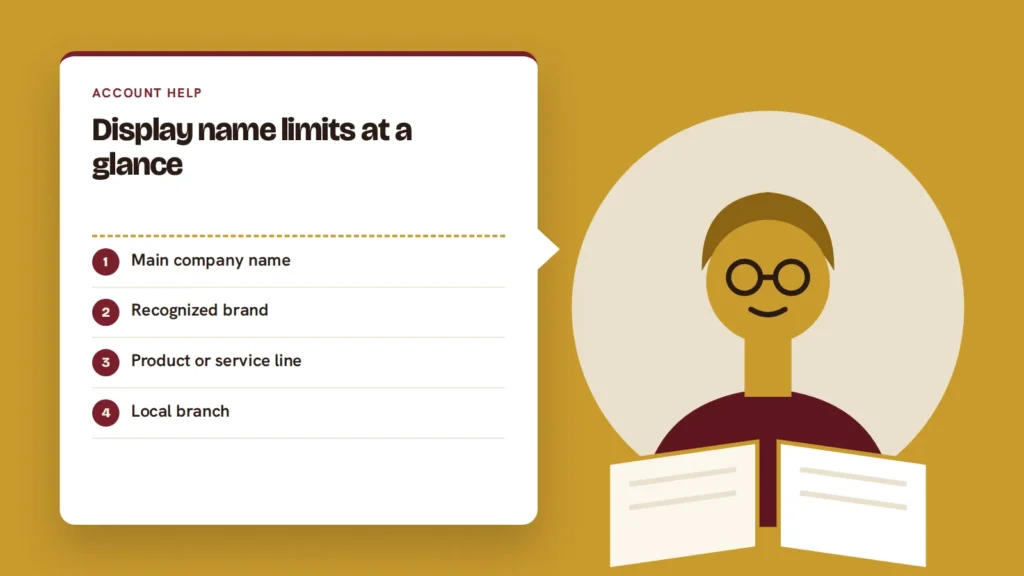
These checks cover the main choices that affect approval. WhatsApp can apply additional checks based on the account, business, and connected products.
| Situation | What to use | How long | What to watch for |
|---|---|---|---|
| Main company name | The public business name | Keep it within WhatsApp’s current field limit | It should match your website or business records |
| Recognized brand | The brand customers know | Use the full brand name when needed | Keep proof of the business-brand connection |
| Product or service line | Product name linked to the company | Use only when the connection is clear | A product alone may look generic |
| Local branch | Brand plus branch or area | Add the location only when it identifies a real branch | Don’t use a city or country as the whole name |
| Support account | Company name, not a support slogan | Keep “support” out unless it’s part of the public name | Put support details in the profile description |
| Personal name | A name used by a genuine business or professional | Use the public business identity | A private person’s name may not explain the business |
| Promotional campaign | The business name | Don’t use an offer or temporary campaign | Promotions belong in approved message content |
WhatsApp’s exact interface limits and review requirements can change. If the form shows a current character limit, follow that field limit rather than relying on an older guide.
Details that improve approval
Start with evidence, not decoration. The name on your website, business profile, invoices, and social pages should use the same spelling and a similar identity. Small differences can be reasonable, but a completely different display name creates doubt.
Work in this order: choose the core name, check its business connection, remove promotional words, then review capitalization and punctuation. Don’t begin by adding a city, department, product category, or “official” label. Those additions often make a simple brand look like a keyword string.
Check the name at normal reading size. If someone sees it in a notification without the profile description, will they know which business sent the message? If not, add the real company name rather than a longer sales phrase.
Keep the profile description, website, category, and display name consistent. A plumbing company called “Green Oak Plumbing” shouldn’t use “Fast Home Repairs” as its display name unless that second name is also a public business identity.
Leave legal claims and trust signals alone. Don’t add “licensed,” “certified,” “government approved,” or “official partner” unless the business can support that claim and the wording is part of the real public identity.
The trade-off is clear: a descriptive name may help recognition, but every extra word increases the chance that it looks promotional or generic. If the name is a registered brand, use the brand; if it’s only a product description, lead with the company name.
Why display names get rejected
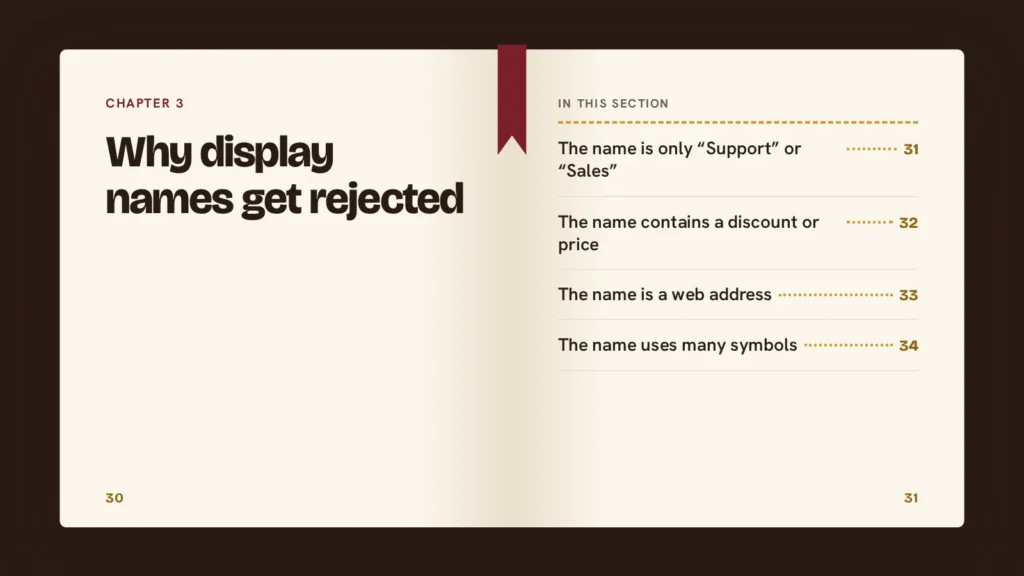
A rejected name usually needs a simpler identity check, not more symbols or capital letters. Start with the wording itself, then compare it with your public business information.
| What you notice | What it usually means | What to do first |
|---|---|---|
| The name is only “Support” or “Sales” | It describes a function, not the business | Add the company or brand name |
| The name contains a discount or price | It looks like an advertisement | Remove the offer and keep the business name |
| The name is a web address | Contact information is being used as identity | Remove the URL and place it in the profile fields |
| The name uses many symbols | The format may look misleading or hard to read | Use plain letters and normal punctuation |
| The name doesn’t appear anywhere public | The business connection is unclear | Update public business information or choose a supported name |
| The name is another company’s brand | You may not have a clear right to represent it | Use your own business name or get legal advice |
Don’t keep resubmitting the same rejected wording. Change the part that creates the problem, then check that the new name still identifies the same business. If the issue involves trademark ownership, impersonation, or a regulated claim, send it to the business owner or attorney instead of guessing.
WhatsApp’s published requirements
WhatsApp applies its Business and Commerce rules to business identities, messaging, and account use. The display name must represent the business or organization connected with the account, and it shouldn’t mislead people about who is contacting them.
The name also needs a clear relationship with the business’s public identity. A generic category, a location by itself, a slogan, a URL, or a temporary offer usually gives customers too little information about the actual business.
Formatting matters as well. Avoid offensive language, excessive punctuation, emojis, unusual spacing, and full capitalization unless the wording is a genuine acronym or established brand style. WhatsApp can review a name again if the business changes it or if account details change.
Meta’s published guidance is the right place to check current requirements because WhatsApp can change its review process and account features.
If the proposed name involves a trademark, regulated profession, government identity, or another organization’s name, ask the owner or a qualified attorney to handle the review. Don’t upload false documents or use a name that suggests authorization you don’t have.
Keep the approved name consistent
After approval, keep the display name aligned with the business name customers see elsewhere. Update your website, business profile, invoices, and support information when the business identity changes, then review whether the WhatsApp name still describes the same organization.
Record the approved spelling and capitalization in your brand notes. This helps staff avoid changing “Green Oak Plumbing” to “Green Oak Support” or adding a campaign phrase during a busy promotion.
There’s no universal time period for keeping an approved name unchanged. Treat it as due for review when the business is renamed, ownership changes, the brand is retired, or customers start seeing a different identity in your public channels.
If WhatsApp asks for another review, submit the current name and accurate business details. Don’t try to preserve an old approval by adding symbols, extra spaces, or a misleading abbreviation.
When another name is safer
A product-only name is the wrong choice when customers can’t connect it to your company. Use the parent company or an established brand name, then describe the product in the profile or message.
A department label such as “Billing” or “Appointments” isn’t suitable when it hides the business identity. Use “Northside Dental” as the display name and explain the department in the profile or approved message template.
A personal name may also be unsuitable when the account represents a larger company. Use the public business name instead, unless the person genuinely operates under that name and customers can verify the connection.
If the business has several brands, choose the brand that customers will recognize from the account’s website and contact details. If no single name clearly fits, ask the business owner or legal adviser before submitting; a clear company name is safer than a clever label.
If you would rather have this handled for you, our Facebook Page Setup service covers it end to end.
Part of our guide: WhatsApp Business: The Complete Guide for Small Businesses
Frequently asked questions
Can I use a personal name as a WhatsApp Business display name?
Yes, but only when the personal name genuinely represents the business or professional service. A consultant, freelancer, or sole proprietor may use a public professional name if customers can connect it to the business. A private person’s name with no business context may be rejected or may confuse customers about who operates the account.
Why was my WhatsApp Business display name rejected?
A display name may be rejected because it looks promotional, generic, misleading, unrelated to the business, or poorly formatted. URLs, offers, excessive symbols, unsupported claims, and names that don’t appear in public business information can all create problems. Compare the name with your website and business records, then submit a simpler identity.
How long does WhatsApp display name approval take?
There’s no single guaranteed approval time for every account. The timing can change with business verification, account type, review volume, and whether WhatsApp requests more information. For WhatsApp Business Platform accounts, check the review status in the Meta business tools used for submission. Don’t assume a name is approved until the account shows that status.
Is it safe to use “Official” in a display name?
No, not by default. “Official” can suggest an endorsement, authorization, or direct ownership that customers may misunderstand. Use it only if it’s part of the genuine public business name and the business can support that identity. Otherwise, remove it and use the company or brand name without the trust claim.
What happens if I change my WhatsApp display name?
A change may trigger another review and can make the account look different to customers. It can also create confusion if the new name doesn’t match your website or profile details. Change only the business identity that customers actually recognize, and update related public information so the account remains consistent.
Can I use a URL in my WhatsApp Business display name?
No, a URL is a poor display name because it gives contact information instead of a clear business identity. Put the website in the profile’s website field or another approved contact area. Use the display name for the company, organization, or brand that customers should recognize.
Conclusion
Before you submit your business profile, review the name as a customer would see it. Check that it feels trustworthy, matches your public branding, and still makes sense if your business grows. A careful final review can prevent delays and help customers recognize you with confidence.

Derek Campbell writes about Facebook features, tools, and account management, covering topics such as account troubleshooting, Business Manager, Facebook Marketplace, and outreach strategies. His content also explores Facebook Groups, community engagement, and ways to connect with relevant audiences. His writing emphasizes practical Facebook know-how, from navigating Marketplace and managing business communities to building meaningful connections through Groups and outreach.
Checked against Facebook’s own help and policy pages on the date shown above.