Facebook Page Unpublished by Meta: How to Appeal

You can ask Meta to review a removed page by submitting an appeal from your Support Inbox or Page Quality tab. Meta decides every appeal, so no result is guaranteed. Start by checking your Page Quality tab for the reason Meta gave. This guide explains the steps, the evidence to prepare, and what to expect on timing.
What Happens When Meta Removes a Page
Meta removes pages when they break Community Standards or Terms of Service. This isn’t a glitch. It’s an enforcement action. The platform uses automated systems and human reviewers to spot issues. These issues include hate speech, intellectual property theft, or inauthentic behavior. When this happens, the page disappears from public view. You can’t post, edit, or access insights.
Many people think they can just create a new page. This is a mistake. Creating a new page to bypass a restriction can lead to further enforcement, including loss of access to your accounts and business portfolio. Meta tracks digital fingerprints and admin connections. If you try to sneak around the rule, you lose more than just one page. You lose your ability to run ads or manage any assets.
The removal notice usually appears in your Page Support Inbox. It lists the policy violated. It doesn’t always give detailed proof. This lack of detail frustrates many business owners. However, the notice contains a unique case ID. You need this ID for every step of the appeal.
Without it, support agents can’t find your file. The case ID is the only reliable link between you and the review team. Panic leads to hasty actions that hurt your case. Focus on the data provided in the notice.
Did Meta unpublish it, or did an admin?
An admin can also unpublish a Page. If that happened, switch Page Visibility back on in your Page settings. If Meta unpublished it, check Page Quality and your Support Inbox for the reason, then use the appeal option shown there.
Steps to Appeal an Unpublished Facebook Page
To appeal, open Page Quality or your Support Inbox, find the notice, and use the Request Review or Disagree with Decision button. Follow these steps carefully. One wrong click can close your appeal window. You must act fast. Meta gives you a limited time to respond. If your notice shows a deadline, meet it, because the Request Review button can disappear once the window closes.
- Log in to the Facebook account that administers the unpublished page. Go to your Page Settings. Click on “Page Quality” or “Support Inbox.” Find the red alert stating your page is unpublished. Note the Case ID number shown there.
- Click the “Request Review” or “Disagree with Decision” button next to the violation. This opens the appeal form. Don’t create a new ticket. Use the existing thread. This keeps all evidence linked to the original case.
- Prepare your evidence before writing. Gather screenshots of the content in question if you have them. Collect proof of ownership, such as business registration documents or utility bills matching the page address. If the issue is copyright, prepare a license agreement.
- Write a clear, short statement. Explain why the content follows Community Standards. Reference the specific policy mentioned in the notice. For example, if flagged for spam, explain your posting schedule and audience engagement methods. Keep it under 500 words. Support agents review thousands of cases. Clarity wins.
- Attach your documents. Upload PDFs or clear images. Ensure text is readable. Label files clearly, like “Business_License.pdf” or “Content_Screenshot.jpg.” Messy files cause delays. Agents may skip hard-to-read attachments.
- Submit the form. You’ll get an auto-reply email. Save this email. It confirms your appeal is in the queue. Check your Support Inbox daily for updates. Don’t submit multiple appeals for the same case. This pushes your ticket to the back of the line.
If the Request Review or Disagree with Decision button is missing next to your violation, tell our team and we can check it with you.
Regular support can’t override legal mandates.
Key Appeal Data at a Glance
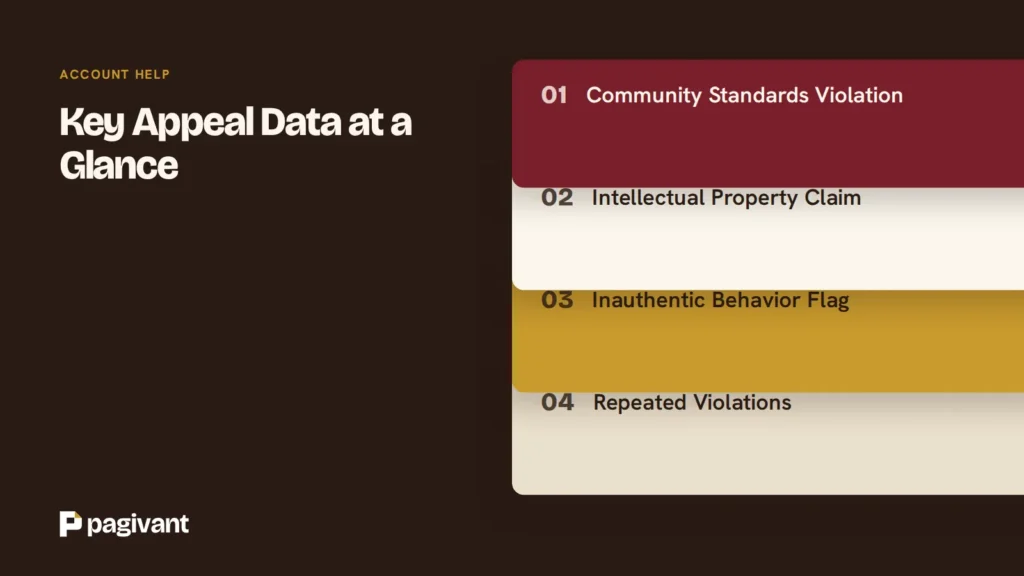
Meta does not publish fixed review times, and no result is guaranteed. Your success depends on timing and accuracy. The table below shows the critical variables for different removal types. Use this to gauge your next move.
| Situation | What to use | How long | What to watch for |
|---|---|---|---|
| Community Standards Violation | Support Inbox Form | Varies by case | Check email spam folder for replies |
| Intellectual Property Claim | Counter-Notice Form | Varies by case | Legal validity of your claim |
| Inauthentic Behavior Flag | Identity Verification Docs | Varies by case | Match name on ID to Page Admin |
| Repeated Violations | Support Inbox Appeal | Varies by case | Risk of permanent asset loss |
| Hacked Page Removal | Hacked Account Flow | Varies by case | Secure your password first |
Meta does not publish fixed review times, so treat any estimate as a guide, not a promise. Delays often happen due to incomplete documentation. If Meta asks for more info, respond as soon as you can. Silence looks like abandonment.
Never resubmit the same form while waiting for a decision. Duplicate tickets can confuse the review and do not speed it up. Track your case number instead. Intellectual property counter-notices require specific legal language that generic appeals lack. Standard support forms are not built for copyright disputes, so use the counter-notice form instead. Identity verification fails most often because the document edges are cropped or glare obscures data.
Ensure all four corners remain visible in the upload. Repeated violation appeals face stricter scrutiny than initial offenses. Prepare detailed remediation evidence showing policy changes implemented since the last flag. Hacked account recovery requires immediate password rotation before initiating any appeal flow. Attempting recovery with compromised credentials can cause security blocks and delays.
Details That Win Appeals
Experienced social media managers know that tone matters. Angry emails get ignored. Fact-based responses get reviewed. When you write your appeal, remove all emotion. Don’t say “This is unfair.” Say “This content complies with the Community Standards policy on [topic] because…”
Preparation is half the battle. Before you click submit, check your entire page history. If one post violated rules, delete similar posts proactively. Show Meta you understand the boundary. If you were flagged for spam, reduce your posting frequency immediately. Document this change. Tell the reviewer, “I have adjusted my strategy to align with guidelines.” This shows corrective action.
A common mistake is sending vague evidence. A screenshot of your homepage proves nothing. You must show the specific context. If a comment was misinterpreted as hate speech, show the full thread. Context changes meaning. Without it, the reviewer sees only the isolated flag.
This isn’t for This process isn’t for personal profiles. Personal accounts have a different recovery flow. This guide applies strictly to Business Pages and Creator Pages managed through Business Suite. If you lost a personal profile, you must use the “Personal Account Disabled” form, which requires different ID verification.
Also, avoid using third-party services that promise to unban pages for a fee. These are scams. Only Meta employees can reverse a ban. Paying outsiders risks your credit card data and gives them access to your account, leading to further theft.
Troubleshooting Appeal Issues
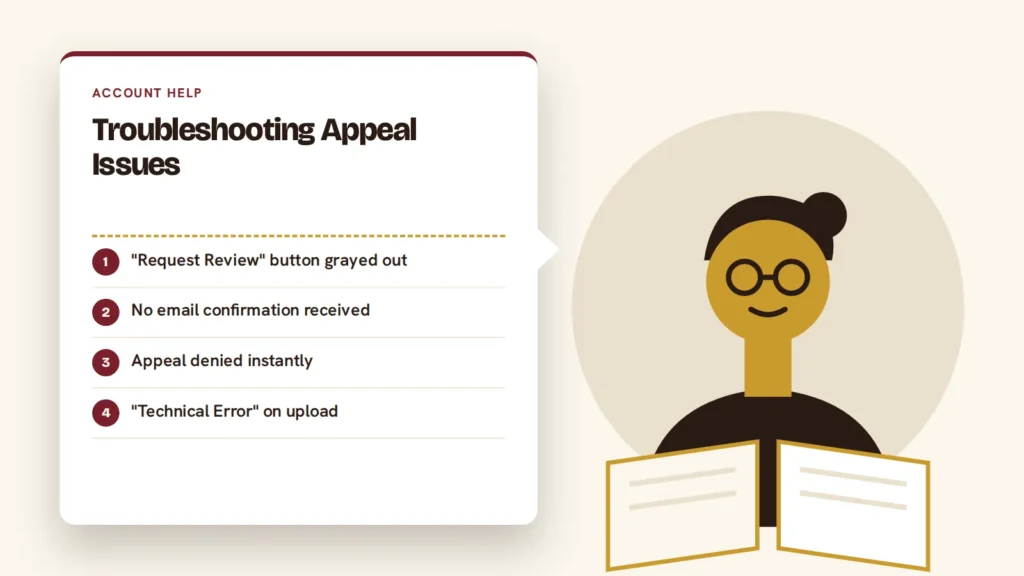
Most appeal problems come down to a closed appeal window, the wrong account, or a file issue. Sometimes the system fails. You might see errors or get no response. Here is how to handle common roadblocks.
| What you notice | What it usually means | What to do first |
|---|---|---|
| “Request Review” button grayed out | Appeal window expired or max attempts reached | Check Page Quality for final status date |
| No email confirmation received | Email went to spam or typo in contact info | Check spam folder; verify email in Settings |
| Appeal denied instantly | Automated filter rejected generic text | Rewrite with specific policy references and new evidence |
| “Technical Error” on upload | File size too large or format unsupported | Convert docs to PDF; keep under 5MB |
| Case ID not found | Logged into wrong business portfolio | Switch to correct admin account and retry |
If you face a technical error, clear your browser cache. Try a different browser like Chrome or Firefox. Sometimes ad blockers interfere with Meta’s forms. Disable them during the submission process.
Rules Governing Page Removal
Meta operates under its own Terms of Service and Community Standards. These are private contracts, not public laws. However, they must comply with local regulations. In the European Union, the Digital Services Act (DSA) requires platforms to provide clear reasoning for content removal. Meta’s transparency report details global removal statistics and policy updates.
In the US, Section 230 of the Communications Decency Act protects platforms from liability for user content. This allows Meta to moderate freely. They don’t need to prove guilt in court to remove a page. They only need to believe a rule was broken.
You have no legal right to a Facebook page. You have a license to use the platform. Meta can revoke this license at any time for any reason stated in their terms. This is why relying solely on Facebook is risky. Always own your customer data outside the platform.
If your business suffers significant financial loss due to an error, you may consider small claims court. But this is costly and slow. It’s rarely worth it for a single page. Prevention is better than litigation. Keep backups of all content and follower lists.
If you sell through your Page
Meta’s Commerce Policies cover any attempt to buy, sell or trade products, even for free. They apply across Facebook, Instagram, WhatsApp and Messenger, including Marketplace, Shops and the WhatsApp Business Catalog.
A removed Marketplace listing is judged against these Commerce Policies, not a separate Marketplace-only rulebook. A removal does not by itself mean your account is disabled. Breaking the policies can lead to rejected or removed listings and content, and to suspended or terminated access to commerce features.
Refund and return policies must be clearly displayed and easy to reach on your website or on Facebook or Instagram. Marketplace is meant for consumer-to-consumer sales, and businesses can face restrictions in some regions, including the European Economic Area, the Philippines and India.
Maintaining Page Health Post-Appeal
Once your page is back, don’t return to normal immediately. Treat it as probation. Meta’s algorithms watch restored pages closely. Sudden spikes in posting or ad spend can trigger another review. A second strike often carries a heavier penalty than the first. You might lose the ability to appeal entirely if the system flags you as a repeat offender.
Start slowly. Post once a day for two weeks. Engage with comments manually. Avoid automation tools for the first month. Third-party schedulers can sometimes flag as inauthentic behavior if not configured perfectly. Use Meta’s native Creator Studio or Business Suite for posting. This keeps your activity footprint clean and verifiable within their own ecosystem.
Check your Page Quality tab weekly. Look for yellow warnings. These are early signs of trouble. Address them before they turn red. Update your page info. Ensure your address and phone number match your official business records. Consistency builds trust with both users and algorithms. If your website lists a different support email than your page, fix that discrepancy today. Small mismatches signal neglect or deception to automated scanners.
Record your appeal success. Save the case ID and the reason for reinstatement. If it happens again, you can reference this prior approval. It shows a pattern of compliance. This history helps human reviewers see you as a legitimate business, not a bad actor.
Keep these documents in a shared drive, not just on one employee’s laptop. Staff turnover shouldn’t erase your institutional memory of what worked. When you re-engage ads, start at ten percent of your previous daily budget. Scale up only after seven days of stable performance. Rushing this phase wastes money and risks another shutdown.
When to Abandon the Appeal
Not every page can be saved. Knowing when to stop saves you time and money.
First, if the violation involves child safety or terrorism, don’t appeal. These are zero-tolerance zones. Appeals are automatically rejected. In some cases, appealing can flag your personal account for further investigation. Accept the loss and move on.
Second, if you have already appealed three times with new evidence and been denied, stop. The decision is final. Continuing to spam support hurts your reputation in their system. It marks you as a high-risk user.
People often mistake a generic denial template for an invitation to try again. Read the exact wording of the third rejection. If it lacks a specific policy citation or a deadline, the review queue has closed your file permanently.
Third, if the page had low engagement and old data, it may be better to start fresh. A new page allows you to implement best practices from day one. Only do this if Meta has confirmed the original page can't be restored, and keep to the Terms of Service. Set up new assets openly, using your real business details. Starting a new page to get around a restriction can lead to further enforcement.
For hands-on help with this, our team offers Facebook Page Setup.
Frequently asked questions
How long does a Facebook page appeal take?
Meta does not publish a fixed review time. Some appeals take a few days and others take several weeks, especially intellectual property or legal cases. This assumes you submitted complete evidence. If Meta requests more information, reply once with what it asks for. Check your Support Inbox daily for status updates.
Can I create a new page while appealing?
No. Creating a new page to bypass a restriction violates Meta’s Circumventing Systems policy. This can lead to further restrictions on your accounts and business portfolio. Wait for the appeal result. If denied, you must resolve the original issue before starting new assets.
Is it safe to pay someone to unban my page?
No. Services claiming to unban pages for a fee are scams. Only Meta staff can restore a page. Sharing your login details with third parties risks identity theft and further account compromise. Never give your password to anyone promising a quick fix.
What happens if my appeal is denied?
If denied, you may have one last chance to request a review by the Oversight Board, but only for major free expression cases. For most business issues, the decision is final. You should then focus on securing your other assets and rebuilding your audience on other channels.
Why was my page unpublished without warning?
Automated systems detect violations in real time. If content matches known bad patterns, Meta removes it instantly to prevent harm. You receive notice after the fact. This is standard procedure for severe violations like hate speech or malware. Check your Page Quality tab for the specific reason.
Can I download my data from an unpublished page?
Yes. Even if unpublished, you can often download your information. Go to Settings > Your Facebook Information > Download Your Information. Select your page. This lets you save posts, photos, and follower lists before potentially losing access permanently.
Conclusion
Once your page is live again, don’t just wait for another warning. Set up a weekly habit of checking your Page Quality tab. If you sell through your Page, also review Meta’s Commerce Policies so you’ll catch small issues before they turn into big problems. It’s easier to stay compliant than to fight for access later.

Derek Campbell writes about Facebook features, tools, and account management, covering topics such as account troubleshooting, Business Manager, Facebook Marketplace, and outreach strategies. His content also explores Facebook Groups, community engagement, and ways to connect with relevant audiences. His writing emphasizes practical Facebook know-how, from navigating Marketplace and managing business communities to building meaningful connections through Groups and outreach.
Checked against Facebook’s own help and policy pages on the date shown above.