Facebook Marketplace Access Removed: Next Steps


When access to Facebook Marketplace is removed, the next steps are to check your account status, review Marketplace rules, and request a review from the notice or support area. Don’t create a second account or try to bypass the restriction, because that can make the review harder.
The right fix depends on whether the access was removed by mistake, your account has a security hold, or a listing broke a rule. Your country, account history, and the exact message shown by Facebook also change what you can do.
Who needs Marketplace access help
A buyer may open Marketplace and see that the feature is missing, blocked, or unavailable. That person needs a safe way to check account status and regain access without losing saved searches or messages.
A seller may still open Marketplace but lose the ability to publish, edit, or reply to buyers. That person needs to find the affected listing, identify the rule concern, and ask for a review when the decision is wrong.
A user with a locked, new, or recently changed account may see a temporary limit instead of a permanent removal. That user needs to secure the account and wait for Facebook’s own checks rather than sending repeated appeals.
This page serves best if you can still sign in to the Facebook account that used Marketplace. It assumes you’re using the official Facebook app or website and can read the notice attached to the restriction. If you can’t sign in at all, use Facebook’s account-recovery process first; Marketplace support usually can’t replace account recovery.
What changes when Facebook Marketplace access is removed
The exact notice matters most. “Marketplace isn’t available to you,” “listing rejected,” and “account restricted” point to different actions. Read the full message, open any See details, Request review, or Appeal button, and save a screenshot before it disappears.
Account security is the next major factor. A recent password change, unusual login, identity check, or disabled account can stop Marketplace access even when your listings were acceptable. Check Security and Login, remove devices you don’t recognize, and finish any Facebook identity prompt.
Policy history also changes the result. A rejected item may be fixed by editing one listing, while repeated violations can affect Marketplace access across the account. Compare the listing with Meta’s Commerce Policies, especially rules for restricted products, misleading claims, unsafe goods, and intellectual property.
Location and account eligibility can matter too. Marketplace availability can vary by country, account status, and Facebook’s current product rules. Check your account’s location, use the normal Facebook app or website, and don’t use a VPN to appear somewhere else.
The mistake people get wrong most often is treating a missing Marketplace icon as proof of a permanent ban. First check the notice, account security, and eligibility; only then decide whether to request a review or wait for a temporary check to finish.
Steps to restore Marketplace access
-
Open Facebook on your usual device. Sign in to the affected account through the official app or website. If the account opens normally, continue; if login fails, use account recovery before Marketplace troubleshooting.
-
Open the Marketplace notice. Tap Marketplace, then look for See details, Account status, or Request review. A visible review button is the clearest sign that Facebook has recorded a decision you can challenge.
-
Read the reason completely. Check whether Facebook names a listing, account restriction, security check, age or location issue, or policy concern. Don’t delete the notice before recording its wording and any reference number.
-
Check account security. Open Facebook’s security settings and review recent logins, email addresses, phone numbers, and connected apps. Change your password if anything looks unfamiliar, then complete any security prompt Facebook shows.
-
Inspect affected listings. Open Commerce Manager, Marketplace selling tools, or your activity area, depending on what your account shows. Look for rejected, hidden, or removed listings and note the exact item and reason.
-
Correct only clear errors. Remove unsupported claims, inaccurate prices, prohibited items, copied photos, or misleading descriptions when those problems are present. Don’t repost the same item unchanged, because the same content can trigger the same restriction.
-
Submit one clear review. Use the review button attached to the decision. Explain what happened in plain words, identify the listing or notice, and attach requested documents only through Facebook’s own form.
-
Check the decision area later. Look in Support Inbox, Account Status, email from Facebook, or the original Marketplace notice. Facebook doesn’t promise one public restoration time for every case, so the message in your account is the useful status source.
-
Stop if Facebook requests formal verification. Don’t send identity documents through messages, sellers, or outside websites. Follow Facebook’s official verification screen; if it asks for information you can’t provide, use Facebook Help rather than guessing.
The key judgment call is whether the listing needs correction or the account needs review. If the notice names a prohibited item, don’t appeal by reposting it; if the notice is clearly about a false match, explain the difference and provide only relevant proof.
Marketplace cases at a glance
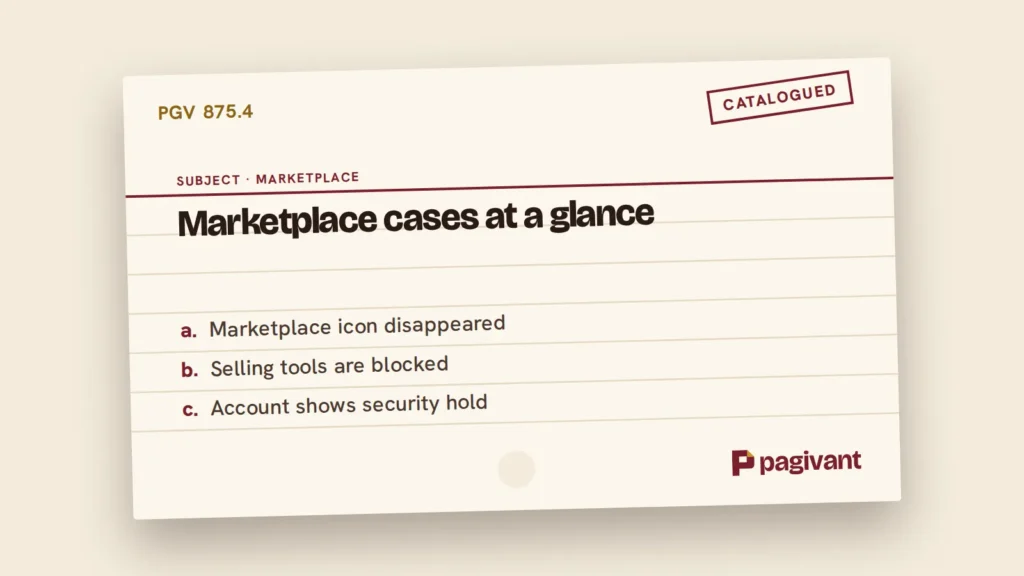
The best next step depends on what you can still open and what Facebook says happened.
| Situation | What to do | What it takes | What to watch for |
|---|---|---|---|
| Marketplace icon disappeared | Check account status | A careful account review | Country and eligibility |
| One listing was removed | Read the listing reason | Edit or appeal once | Repeated reposting |
| Selling tools are blocked | Review account restrictions | Policy comparison | Other affected listings |
| Account shows security hold | Secure the account | Login and identity checks | Unknown devices |
| Review button is visible | Submit one clear appeal | Accurate supporting details | Duplicate appeals |
| No notice appears | Check Support Inbox | App and browser checks | Fake support messages |
| Account is disabled | Use account recovery | Facebook’s recovery process | Marketplace troubleshooting |
Details that improve your result
Prepare evidence before appealing
A useful appeal names the exact item, action, and reason you believe the decision is wrong. Keep the original photos, receipt, serial number, or ownership proof available, but upload them only when Facebook’s form requests them.
Compare the listing with the relevant policy before you write. If the product is allowed but your wording was unclear, explain the correction; if the product itself is restricted, removing it’s safer than arguing around the rule.
Check while the review is open
Watch the listing status, not only the Marketplace icon. A restored listing may show as active while the general Marketplace shortcut remains missing, or the account may regain browsing while selling stays blocked.
Leave unrelated listings alone during the review. Changing many items at once makes it harder to see which content caused the problem and can create fresh policy signals. A clean, specific appeal usually gives Facebook a clearer issue to assess.
Common Marketplace access problems
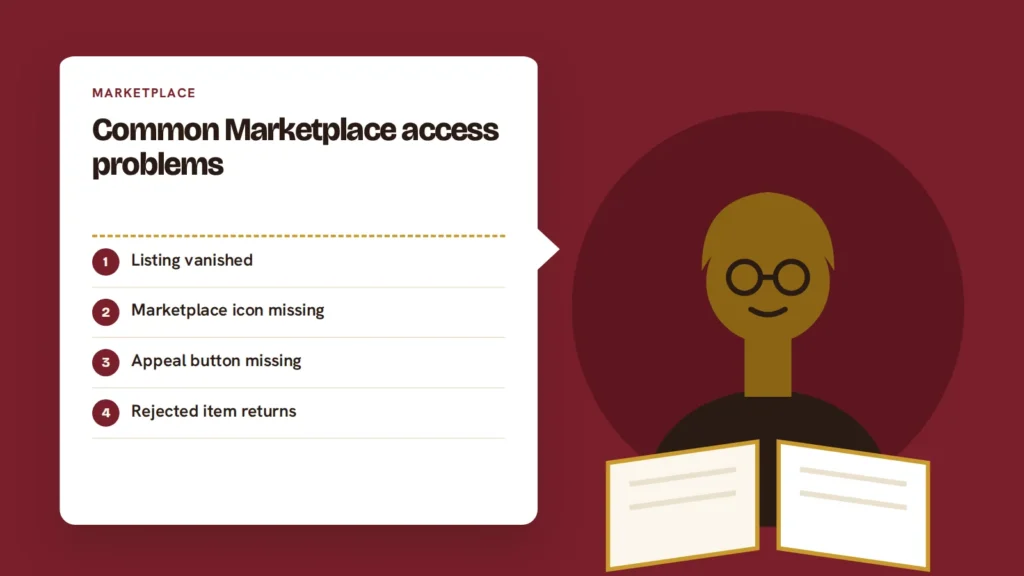
The first action should match the message you see, not the message you fear.
| What you notice | What it usually means | What to do first | How to stop it happening again |
|---|---|---|---|
| Listing vanished | Listing review or removal | Open listing details | Check policies before posting |
| Marketplace icon missing | Access or eligibility issue | Check Account Status | Keep account information current |
| Appeal button missing | No available review path | Check Support Inbox | Save every decision notice |
| Rejected item returns | Same content was reposted | Stop reposting it | Change or remove the item |
| Unknown login appears | Account security concern | Change password now | Enable login alerts |
| Buyers can’t message | Selling feature restriction | Review account notice | Avoid duplicate listings |
| Support message asks payment | Likely scam attempt | Report and ignore it | Use Facebook tools only |
Rules behind Marketplace restrictions
Meta’s Commerce Policies cover what businesses and individuals may offer through commerce features. They include restrictions involving regulated goods, unsafe products, deceptive practices, intellectual property, and other prohibited content. The rule that applies can change with the item and the country.
Facebook’s own notice is the controlling source for your case. Open the policy link shown in that notice, because local laws, product categories, and account features can differ by country or region. Don’t assume that an item allowed in a local store is automatically allowed on Marketplace.
Meta may also limit features for account or security reasons, not only for one product. If your notice asks for identity confirmation, account recovery, or a security check, stop Marketplace troubleshooting and follow that process.
If the item involves weapons, drugs, medical products, financial services, animals, or other regulated goods, don’t keep reposting it. Check your local regulator or a qualified professional before listing it; Marketplace support can’t replace legal advice.
The real cost of losing access
The direct cost may be zero if Facebook restores access, but the time cost can include collecting evidence, checking several account areas, and waiting for a decision. You may also lose buyer messages, listing visibility, or a sale while the restriction remains.
Your effort rises when several listings are affected. Save screenshots, listing IDs, and dates in one note so you don’t repeat the same checks. Compare the original text with Facebook’s policy wording instead of rewriting every listing at random.
The financial cost depends on the item and sale deadline. Don’t pay anyone who promises instant restoration, a private Facebook contact, or a guaranteed appeal; Facebook doesn’t require a stranger to unlock your account.
If you need to sell urgently, compare legal alternatives such as a local consignment shop, an established classified service, or a specialist marketplace that accepts your item. Check each service’s current fees and prohibited-item rules on its official site, because those details change.
Keep access after restoration
Keep your Facebook email, phone number, and recovery methods current. Review recent logins after any warning, and remove access for apps or browser extensions you no longer recognize.
Save the final decision and the listing text that passed review. If access disappears again, compare the new notice with the saved record instead of submitting the same appeal without changes.
Before posting a new item, check its category, photos, condition, price, and claims against Facebook’s current rules. Don’t copy a description from another seller without checking it; copied text can contain claims or brand material you can’t support.
If a restored listing becomes hidden, rejected, or unsearchable again, open its status and read the newest reason. Fix that specific issue first. Starting a new account won’t preserve the old account’s history and may create another restriction.
When Marketplace access is the wrong path
Marketplace isn’t the right choice for prohibited or regulated items. Use a lawful specialist service or ask the relevant local authority whether the sale is allowed; don’t try to hide the item in a different category.
It’s also the wrong path when your Facebook account is disabled or you can’t pass account recovery. Use Facebook’s account-recovery process first, because repeated Marketplace appeals won’t repair a login or identity problem.
Choose another sales channel when you need a firm delivery date and Facebook gives no available review path. A local consignment business or specialist marketplace may offer clearer support, but check its current fees, identity rules, and item limits before committing.
If buyers report fraud, threats, or dangerous goods, stop contact and report the account through Facebook. Don’t investigate the seller yourself or send money to “verify” a purchase.
Prefer a done-for-you option? Read about Facebook Marketplace Account Setup.
Frequently asked questions
Can Facebook Marketplace access come back?
Yes, access can come back when Facebook clears a mistaken restriction, completes a security check, or accepts an appeal. There’s no single public restoration time for every account. The notice in Support Inbox or Account Status is the place to check your current decision.
Why was my Marketplace access removed?
Marketplace access may be removed because of a listing decision, account restriction, security concern, eligibility issue, or suspected policy violation. The exact reason is shown only in your account’s notice. Check that message before deleting listings or submitting an appeal.
How long does a Marketplace appeal take?
Facebook doesn’t publish one guaranteed appeal time for every Marketplace case. Check the review status in Support Inbox, Account Status, or the original notice. If Facebook requests identity or security checks, the review can’t move forward until you complete the requested step.
Is it safe to send my ID to Facebook?
It can be appropriate only when Facebook’s official verification flow requests it inside your signed-in account. Don’t send an ID to a seller, social media contact, email address, or paid “recovery” service. Leave the process if the page address looks suspicious.
What happens if I repost a removed listing?
The same listing may be removed again, and repeated reposting can worsen the account restriction. Read the removal reason first. If the item is prohibited, don’t repost it; if the decision is wrong, use the attached review option instead.
Does it matter if I use a VPN for Marketplace?
Yes, a VPN can make your location or login pattern look unusual and may complicate an eligibility or security check. Use your normal connection while resolving the issue. Check your real account location and follow the location information Facebook requests.
Can I make a new Facebook account for Marketplace?
Creating a new account isn’t a reliable fix and may create further trust or policy problems. Resolve the original account through its notice, security tools, or recovery process. A new account also won’t restore the original listings, messages, or account history.
First steps after Marketplace removal
Start by opening the exact Facebook notice and recording its reason, listing, and available review button. You should see either a clear review path or a specific security or eligibility task. Stop and get help through Facebook’s official recovery process if you can’t sign in or the page requests sensitive details outside Facebook.

Derek Campbell writes about Facebook features, tools, and account management, covering topics such as account troubleshooting, Business Manager, Facebook Marketplace, and outreach strategies. His content also explores Facebook Groups, community engagement, and ways to connect with relevant audiences. His writing emphasizes practical Facebook know-how, from navigating Marketplace and managing business communities to building meaningful connections through Groups and outreach.
Checked against Facebook’s own help and policy pages on the date shown above.