How to Sell a PS5 on Facebook Marketplace


To sell a PS5 on Facebook Marketplace, price it from recent local listings, show its real condition, and meet safely after payment is confirmed. A complete console with one working controller usually attracts more buyers than a bare console, but the exact price depends on the model, storage, accessories, and condition.
Your result also changes with local demand, shipping versus pickup, and how well you protect your account. The steps below assume you’re selling your own PS5 in the United States through a personal Facebook account.
Who Should Sell a PS5 on Facebook Marketplace
A PS5 owner with the original console, cables, and controller needs a fair price and a safe handoff. This page fits that seller best. You’ll need to check the exact model, test the main functions, and answer buyer questions honestly.
A seller with only a console needs a different plan. Missing accessories reduce the value and may make local buyers compare it with cheaper incomplete listings. You’ll need to list every missing item rather than calling it a complete system.
A business seller, frequent reseller, or person shipping across the country faces different tax, return, and fraud concerns. Marketplace is meant for consumer-to-consumer sales, and businesses can face restrictions in some regions. Facebook Marketplace’s local pickup tools may not cover those needs. A business selling many consoles should use its business records and a professional shipping process.
This guide assumes the PS5 belongs to you, isn’t financed, and can be reset before sale. It also assumes you’ll use local pickup rather than ship the console to an unknown buyer.
What Changes The PS5 Price
The PS5 model matters most. Check whether you have the original disc version, the original digital version, or a newer slim model. Look at the console label and its packaging if you still have it. Don’t guess from its shape alone.
The included items move the price next. Count the console, power cable, HDMI cable, stand, controller, and any games or storage accessories. A second working DualSense controller can make the listing more useful, but don’t hide its condition inside a general “extras included” line.
Condition affects both price and trust. Buyers will notice deep scratches, yellowing, missing panels, loud fan noise, stick drift, damaged ports, or a controller that won’t hold charge. Test each item before you write the listing, and photograph damage clearly.
Local demand is the next factor. Search Facebook Marketplace for the same PS5 model within a reasonable travel distance, then compare completed-looking listings rather than only high asking prices. If similar consoles stay listed for days, your price may be too high.
The mistake that changes results most often is comparing a complete disc PS5 with a bare digital console. Compare the same model with similar accessories, condition, and warranty status before choosing your price.
How To List A PS5
-
Check the model and storage. Read the console label, box, or system information page. Record whether it has a disc drive and which accessories are included. The listing details should match what you can show.
-
Test the console. Start a game, connect to the internet, open the disc drive if present, and check the HDMI output. The home screen should appear without flickering or error messages.
-
Test the controller. Charge it, move both sticks, press every button, test the triggers, and connect it wirelessly. If a stick moves by itself, write that clearly and lower the price.
-
Clean the outside safely. Unplug the PS5 first, then wipe its exterior and controller with a dry or slightly damp microfiber cloth. Don’t spray liquid into ports, vents, or the disc drive.
-
Sign out and back up data. Save any needed screenshots or game data, then remove your account from the console. Don’t leave payment details, saved passwords, or personal profiles behind.
-
Reset the PS5. Use the console’s reset option after confirming your data is backed up. Wait until the setup screen appears. That screen shows the next owner can begin setup.
-
Take clear photos. Photograph the front, back, sides, controller, cables, model label, and any damage. Use daylight and include the console powered on at the setup screen.
-
Write the listing. State the model, condition, included items, faults, pickup area, price, and payment method. Say “price is firm” only if you’ll refuse reasonable offers.
-
Screen the buyer. Keep messages inside Facebook, confirm the meeting time, and avoid sharing unnecessary personal information. Don’t hand over the console until the payment is visible in your own account.
-
Complete the handoff. Meet in a busy public location with safe electronics access if possible. Let the buyer inspect the listed items, then remove the listing after the sale.
The key judgment is whether the buyer can verify the console without taking control of your account. If they ask you to log in, disable security, or accept a payment screenshot, stop the sale and start again with another buyer. Don’t open the console or repair internal faults unless you have the right training.
Create the listing in Facebook
- Open Marketplace from the menu in Facebook.
- Choose Create new listing, then Item for sale.
- Add your photos.
- Enter the title, price, category, condition and description.
- Select Next. If Next is greyed out, a required field is missing.
- Select Publish.
Once the PS5 has sold, mark the listing as sold or remove it. The menus can look different on the app and the website.
PS5 Selling Situations Compared
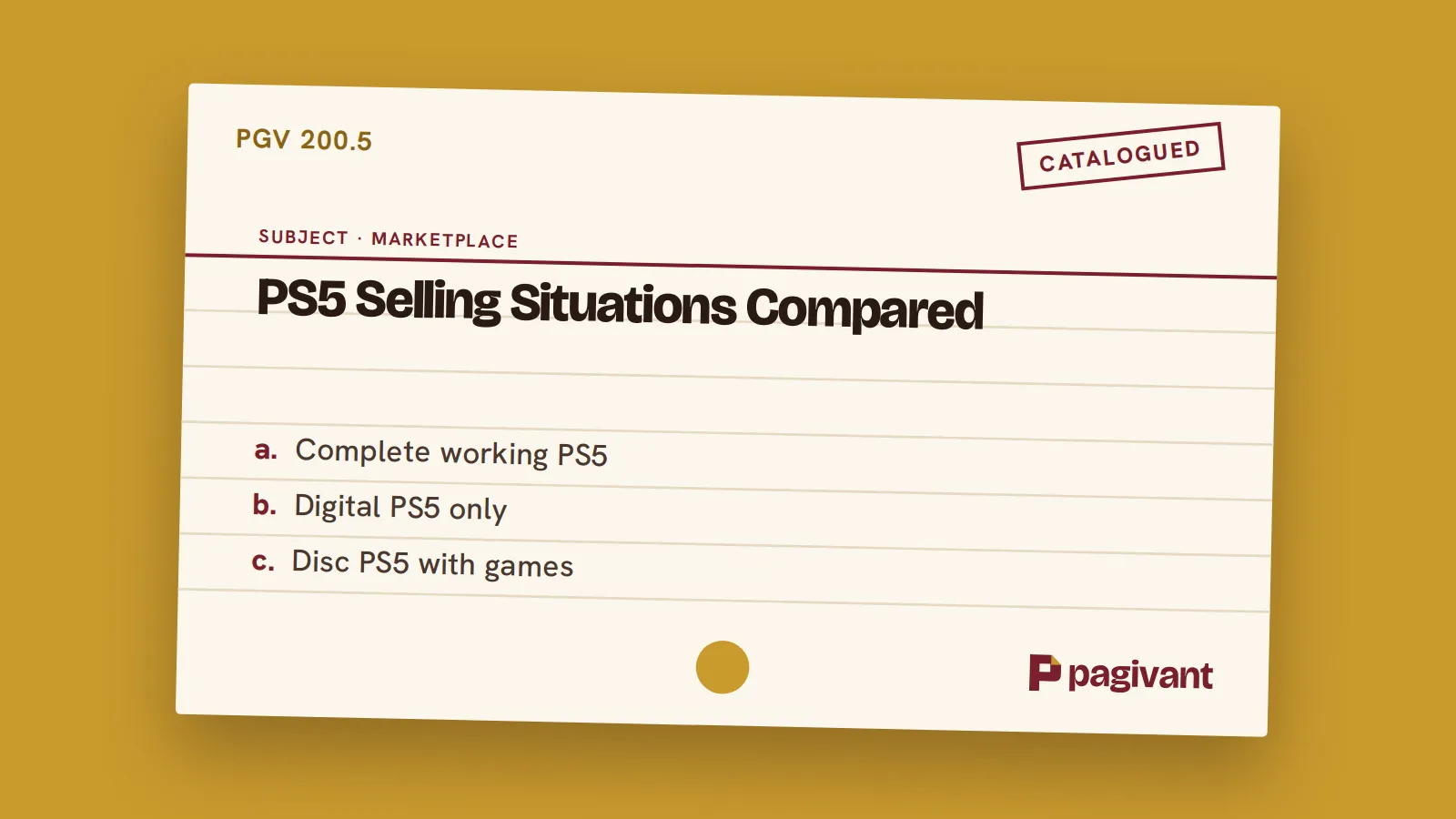
The best method depends on what you’re selling and how quickly you need the money. A higher price usually takes better photos, more messages, and more patience.
| Selling situation | What to do in it | What it takes | What to watch for |
|---|---|---|---|
| Complete working PS5 | List with tested accessories | More buyer messages | Price comparisons |
| Digital PS5 only | State that it’s a digital edition without a disc drive. | Lower buyer interest | Model confusion |
| Disc PS5 with games | Bundle only valuable games | Extra testing time | Low-value bundles |
| Controller has drift | Disclose fault clearly | Lower asking price | Refund arguments |
| Cosmetic damage present | Photograph every mark | Faster price negotiation | Misleading photos |
| Need money quickly | Price below comparable listings | Less waiting | Scam pressure |
| Selling for top value | Wait for the right buyer | More time and replies | Listing becomes stale |
Details That Improve PS5 Sales
Prepare the console properly
A clean listing starts with an accurate inventory. Place every included item together before taking photos, then count the cables and controllers. If the stand, HDMI cable, or original box is missing, say so in the first few lines.
Use a title that gives the buyer searchable facts, such as “PS5 Disc Console With Controller and Cables.” Avoid titles such as “Amazing deal” because they don’t identify the model. Put the pickup area in the location field, not your full home address.
Price against similar local listings, not the original retail price. Retail value doesn’t prove what a used buyer will pay today. If you’re willing to negotiate, leave a small amount of room without setting an unrealistic opening price.
Check the sale before handoff
Read the buyer’s messages for clear questions about the model and condition. A buyer who asks for a verification code, sends a payment screenshot, or wants to move immediately to an unusual payment method creates extra risk.
If the buyer wants to test the PS5, let them inspect the hardware at the meeting. Don’t sign back into your account or enter a password. A quick test should confirm the console reaches the setup screen and that the included controller connects.
Leave damaged parts alone unless you can describe and price them correctly. A new shell, repaired HDMI port, or replacement controller may look better, but hidden repair problems can cost more than the extra sale value.
PS5 Marketplace Problems And Fixes
Clear symptoms help you choose the next safe action. Don’t promise a buyer that a problem is minor until you’ve tested the relevant part.
| What you notice | What it usually means | What to do first | How to stop it happening again |
|---|---|---|---|
| Console won’t show picture | Cable or HDMI issue | Test another known-good cable | Photograph working output |
| Controller drifts | Stick fault | Test every direction | Disclose drift before sale |
| Disc won’t eject | Drive problem | Stop forcing the disc | List as faulty hardware |
| Buyer sends payment screenshot | Payment isn’t confirmed | Check your own account | Release only confirmed funds |
| Buyer asks for a code | Possible account takeover | Refuse the request | Keep login details private |
| Listing gets little interest | Price or details miss buyers | Compare local listings | Rewrite title and photos |
| Buyer changes meeting place | Increased safety risk | Choose a public location | Confirm plans in writing |
Marketplace Rules And Safety
Facebook Marketplace rules and available payment features can vary by country, account, and transaction type. Marketplace listings must follow Meta's Commerce Policies, so read them before listing, especially if you plan to ship or use an integrated payment option.
The Federal Trade Commission warns that fake payment notices and verification-code requests are common marketplace scam patterns. Read the FTC’s online selling scam guidance before you accept payment or share account information.
A cash sale avoids some online payment disputes, but it still needs a safe meeting. For digital payments, confirm the money in your own banking or payment app, not in an email, text, or screenshot. If the platform, bank, or payment provider flags the transaction, stop and contact that service directly.
Don’t meet inside your home, give a buyer your login code, or ship a console after an unverified overpayment. If a buyer demands a risky action, end the conversation. Internal repairs, electrical work, and damaged power connections should go to a qualified repair shop.
Can you use Marketplace, and what can get a listing removed?
Meta does not publish an exact minimum account age for Marketplace. Access depends on factors such as your location, age, and the account’s standing.
A listing that breaks Meta’s Commerce Policies can be rejected or removed. Repeated or serious breaches can lead to suspended access to commerce features. A removed listing does not by itself mean your account is disabled. If you need help, use the tools in Meta’s Help Center. No guide or service can promise Meta will approve a review or appeal.
The Real Cost Of Selling
The main cost is your time. A careful sale includes testing, cleaning, photography, listing messages, buyer screening, and travel to the meeting place. The time rises when the PS5 has faults, missing items, or a price above comparable local listings.
Your money result depends on the model and completeness. Compare at least several local listings with the same disc or digital type, similar controller count, and similar condition. Check whether the prices are asking prices or appear to be old, inactive listings.
A fast sale creates a trade-off. Pricing below comparable complete consoles may reduce waiting and negotiation, while pricing at the top may produce a better return but fewer serious messages. If your listing gets views without credible offers, lower the price or improve the details; if it gets no views, change the title and photos first.
Travel and safety also carry a cost. A public meeting may take longer than a home pickup, but it reduces the risk of revealing your address. Today’s final price can change with local supply, so read your local listings immediately before posting rather than relying on a fixed national figure.
After You Sell The PS5
Remove the listing as soon as the console and payment have changed hands. Keep a basic record of the date, buyer messages, agreed items, and payment confirmation. This helps if a platform dispute appears later.
If you still have the original box, keep it only if you plan to sell more electronics or need proof of the model. Otherwise, the buyer should receive the items you promised, not extra personal paperwork or account details.
The sale is complete when your account is removed and the console shows its initial setup screen. If you accidentally leave an account connected, change your PlayStation password immediately and review account security from another trusted device.
Watch for follow-up messages asking for a refund through a new payment method. Don’t send money because of a screenshot or pressure. Use the original transaction record and the payment provider’s official dispute process.
When PS5 Selling Isn’t Right
Facebook Marketplace isn’t the best choice if you need a guaranteed price today. A local electronics retailer or trade-in service may offer a simpler sale, but its offer can be lower because it needs resale margin.
It’s also a poor fit if you can’t test the PS5, don’t know whether it’s yours to sell, or suspect an account or ownership problem. Contact PlayStation Support or the original seller before listing it.
Avoid local pickup if you can’t meet safely or the console has a serious electrical, power, or HDMI fault. Use a qualified repair shop for diagnosis, then decide whether repair or a clearly described faulty sale makes sense. Don’t open a damaged power supply yourself.
Our team handles exactly this through Facebook Marketplace Account Setup.
Frequently asked questions
Can I sell a PS5 on Facebook Marketplace?
Yes, you can sell a PS5 on Facebook Marketplace if the listing follows Facebook’s current commerce rules and you can legally sell the console. Describe the model and condition accurately. Use a public meeting and confirm payment yourself before handing it over.
How much should I sell my PS5 for?
Use the current local price for the same PS5 model, condition, and included items. A complete disc console shouldn’t be compared with a digital console missing accessories. Check several nearby listings on the day you post, then adjust for faults or missing parts.
How long does it take to sell a PS5?
A PS5 may sell within a day or remain listed for weeks, because local supply, price, photos, and model all change the result. If serious buyers view the listing but don’t offer, review the price. If views are low, improve the title and first photo.
Is it safe to sell a PS5 on Facebook Marketplace?
Yes, it can be reasonably safe when you keep messages on Facebook, meet publicly, avoid sharing login codes, and verify payment in your own account. It isn’t safe to trust payment screenshots, overpayments, or requests to ship before funds clear.
What happens if a buyer wants to test my PS5?
Let the buyer check the console without signing into your account. The setup screen, video output, controller connection, and visible accessories can be checked without exposing private data. If they demand your password or security code, refuse the test.
Does it matter if my PS5 has a disc drive?
Yes, the disc drive matters because it changes which games and discs the buyer can use. Write “disc edition” or “digital edition” only after checking the console model. Don’t assume the buyer can add a drive to every version.
Can I sell a PS5 without the original box?
Yes, you can sell it without the original box, but say “no original box” in the listing. Include the working console, power cable, HDMI cable, stand if applicable, and controller only when you actually have them.
What To Do First With Your PS5
Start by checking the exact PS5 model, testing every included item, and comparing nearby listings with the same setup. Expect a credible buyer to ask about faults and included accessories. Stop the sale if payment isn’t confirmed or anyone asks for your account code.

Derek Campbell writes about Facebook features, tools, and account management, covering topics such as account troubleshooting, Business Manager, Facebook Marketplace, and outreach strategies. His content also explores Facebook Groups, community engagement, and ways to connect with relevant audiences. His writing emphasizes practical Facebook know-how, from navigating Marketplace and managing business communities to building meaningful connections through Groups and outreach.
Checked against Facebook’s own help and policy pages on the date shown above.